



Press Kit
Sonto aligns your day with your long-term aspirations.
For Mac, iPhone and iPad.
Sonto in five minutes.
What is Sonto
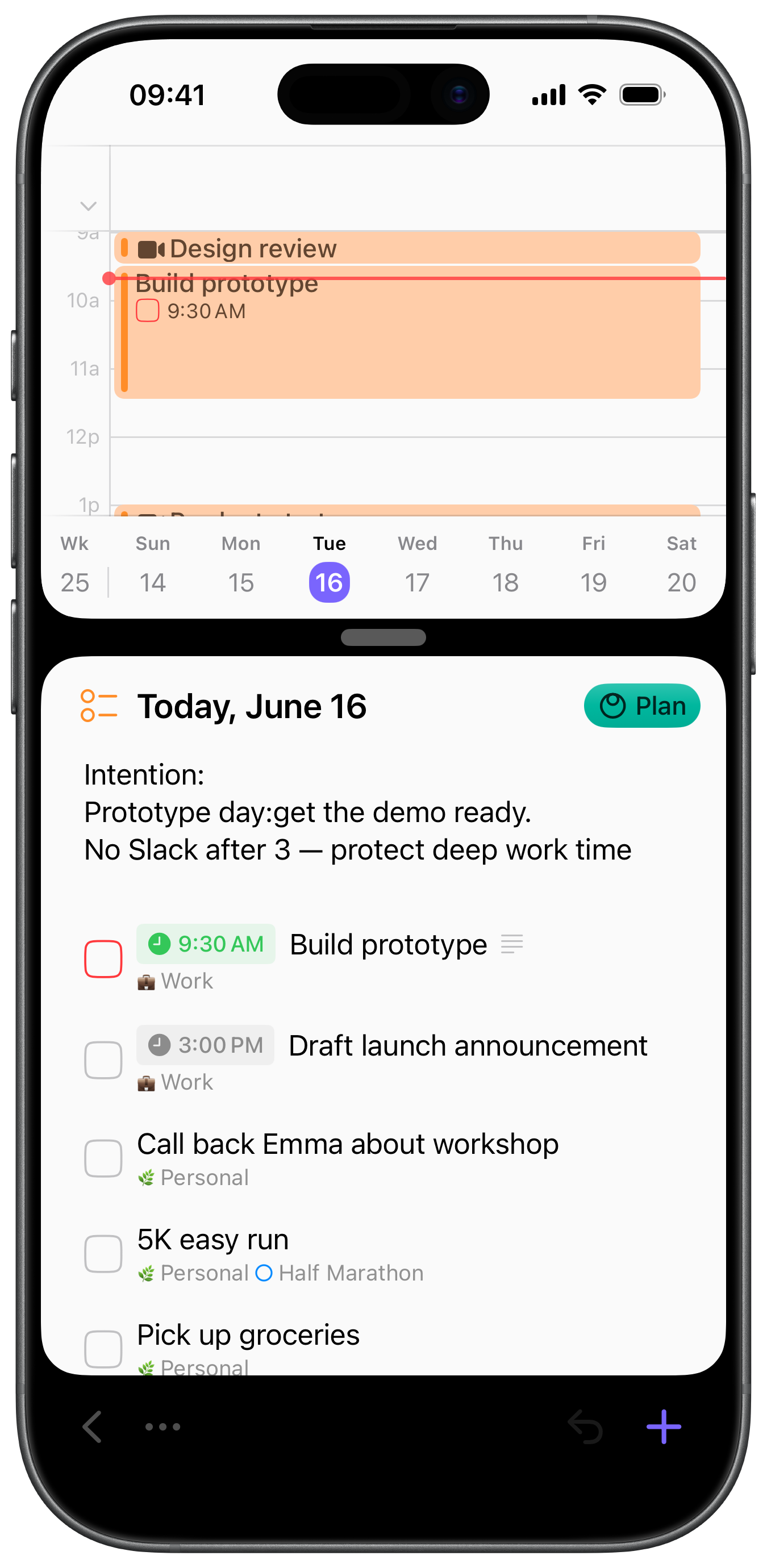
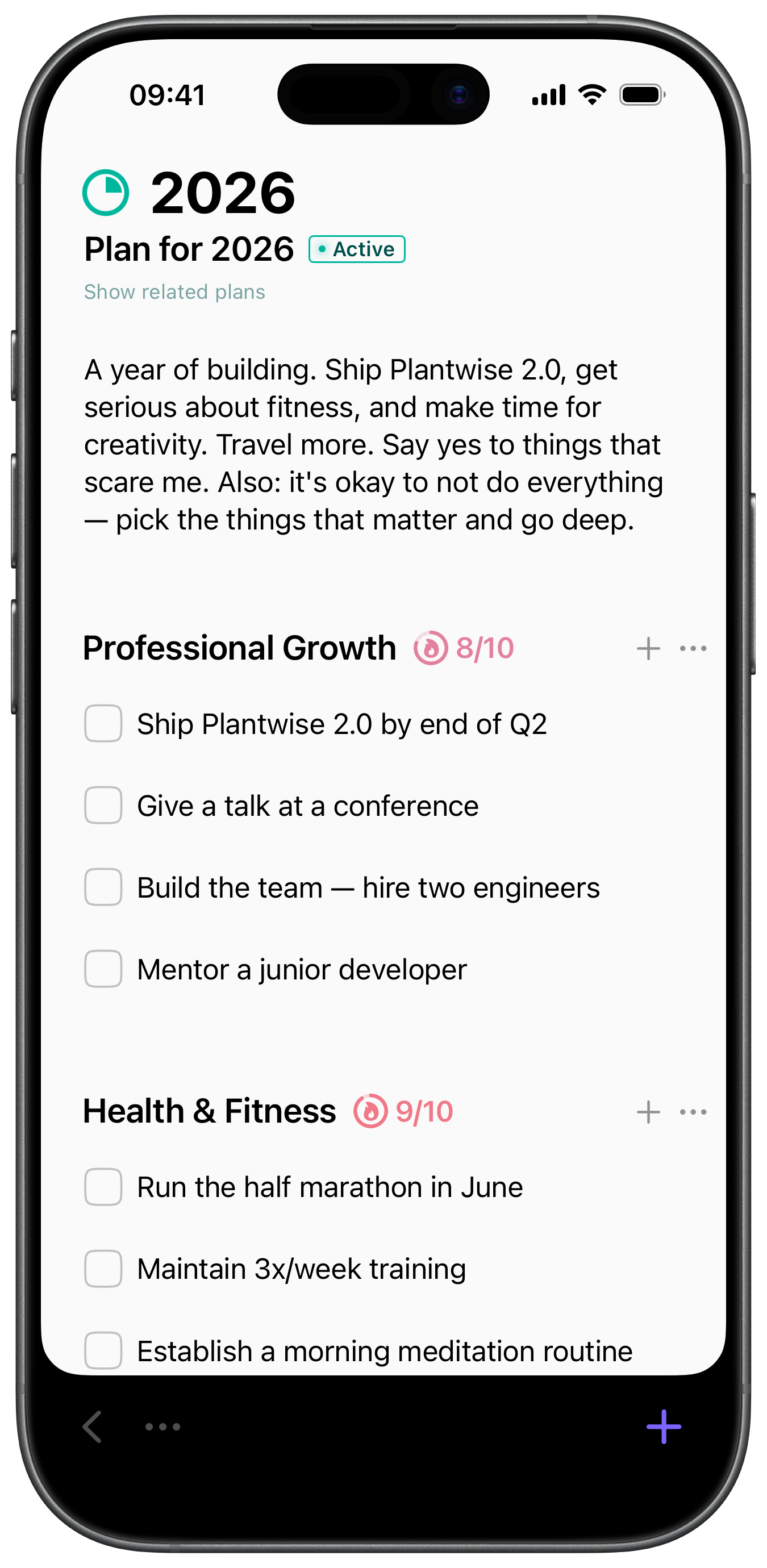
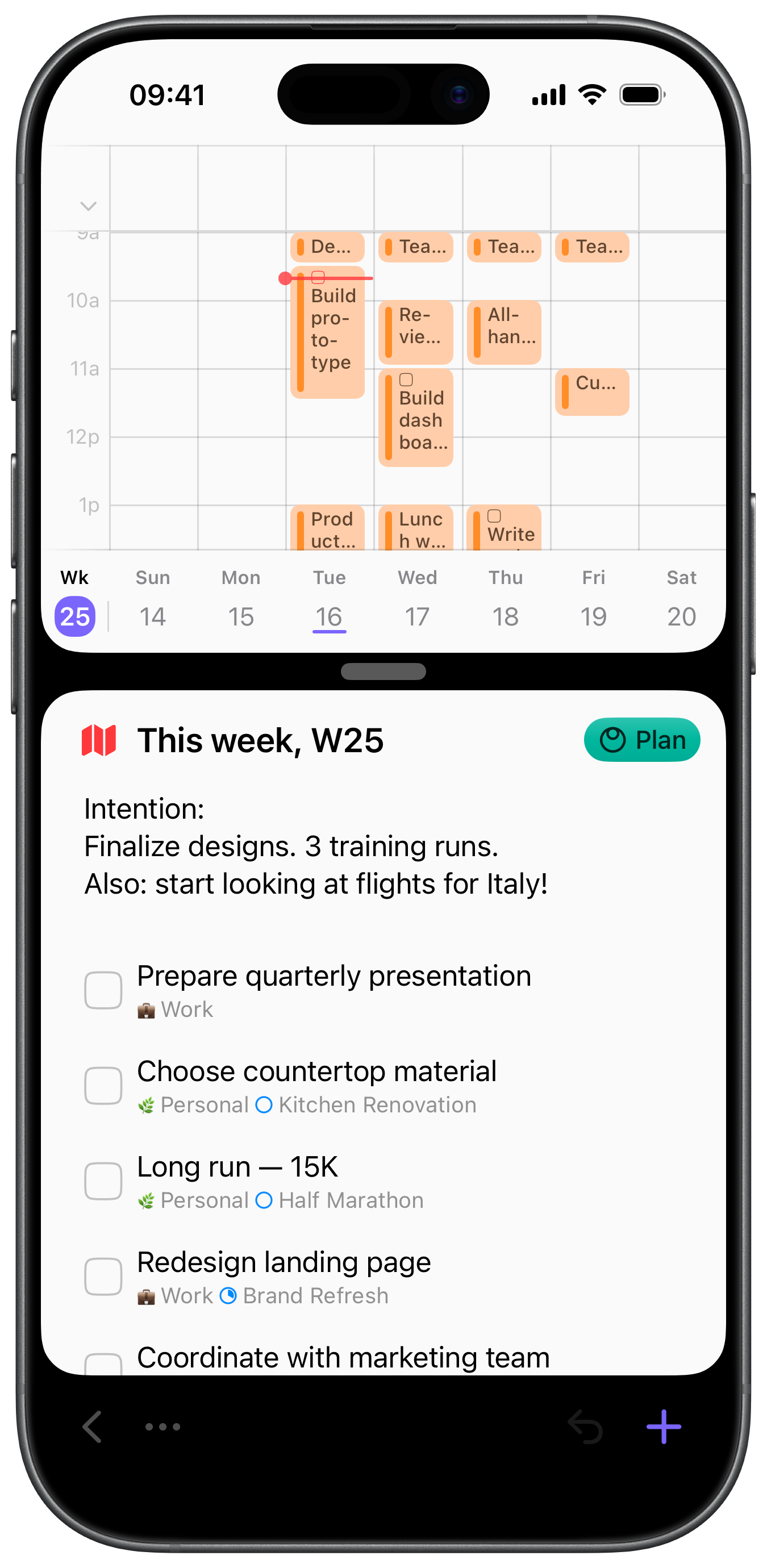
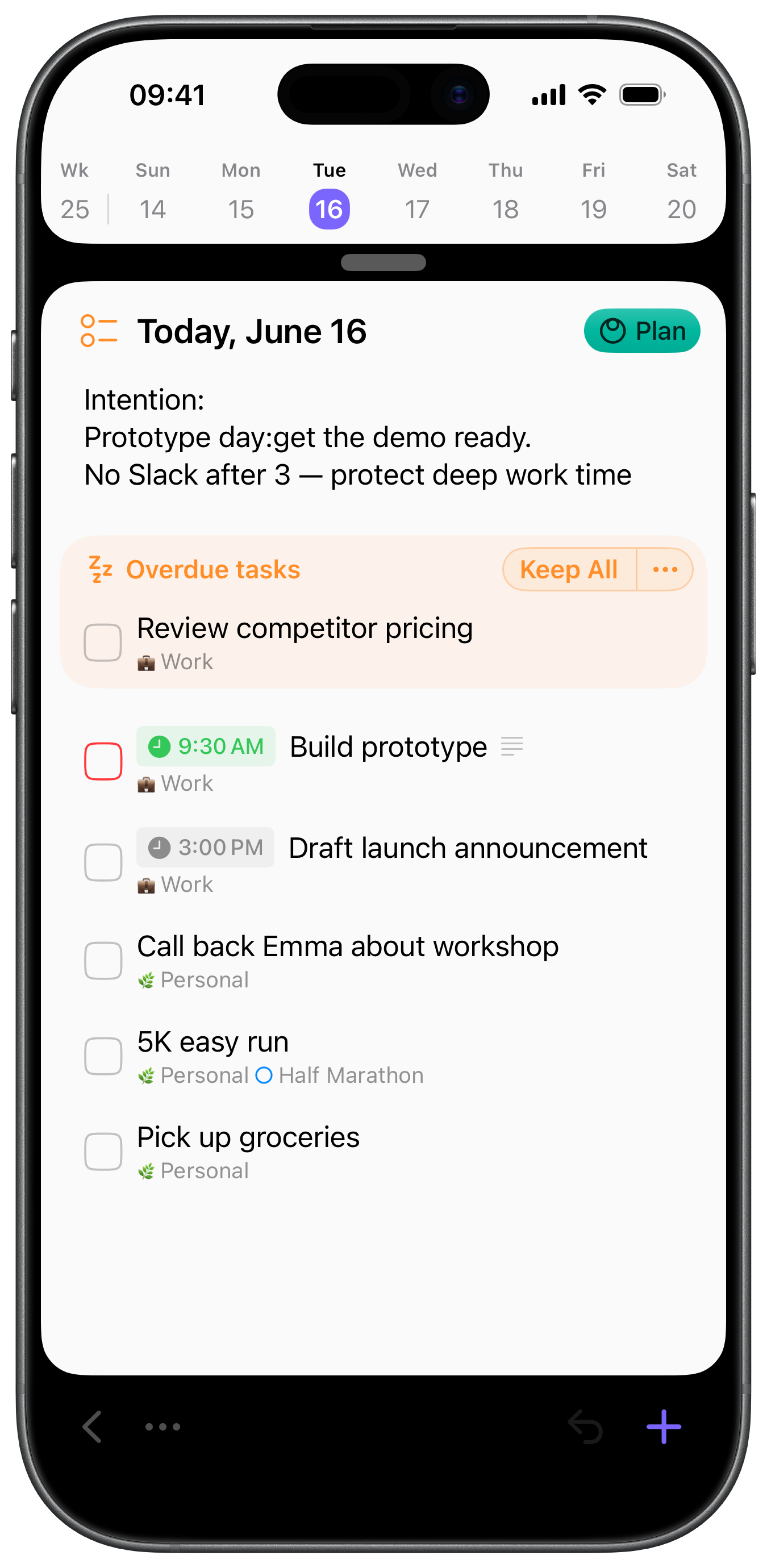
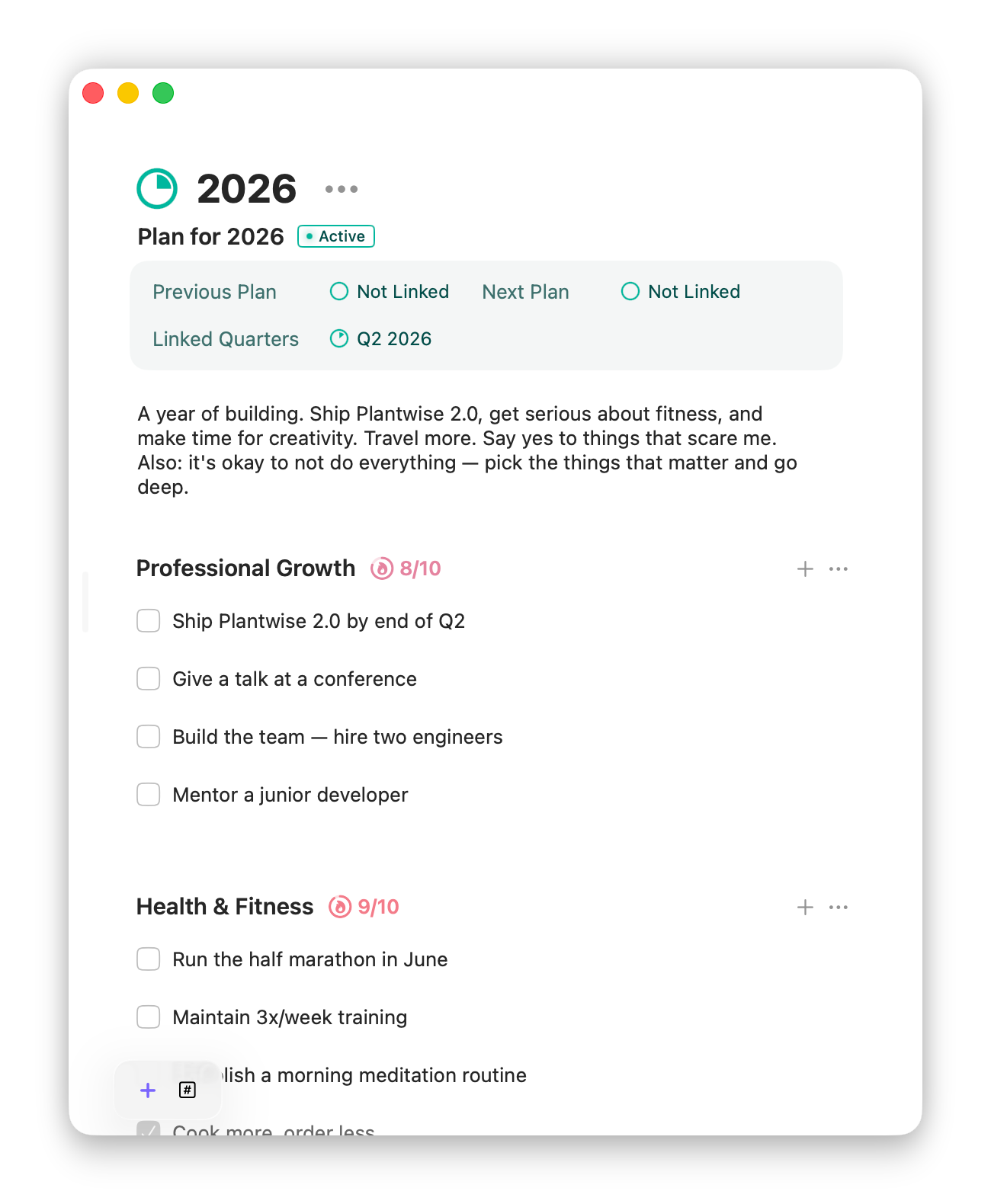
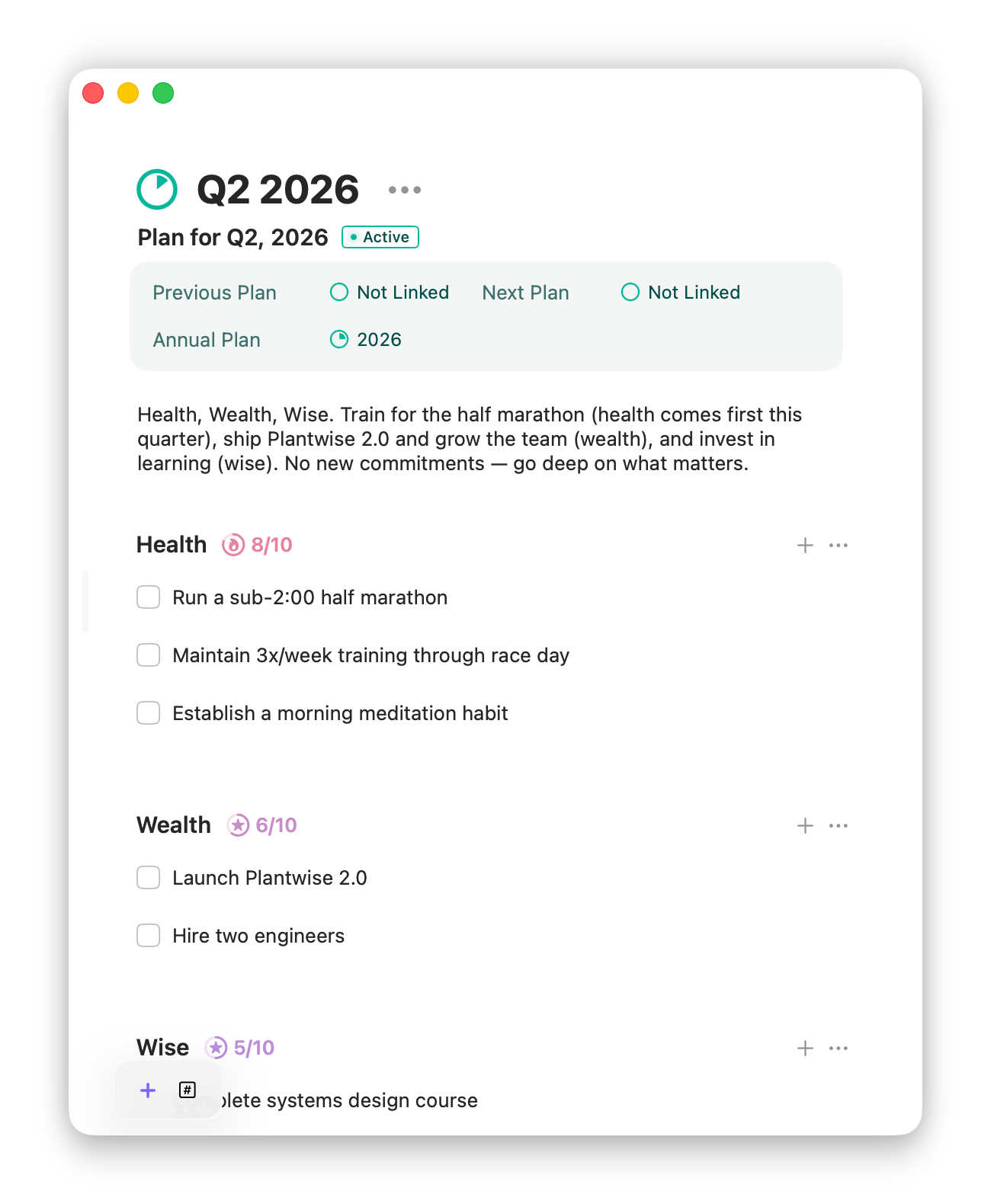
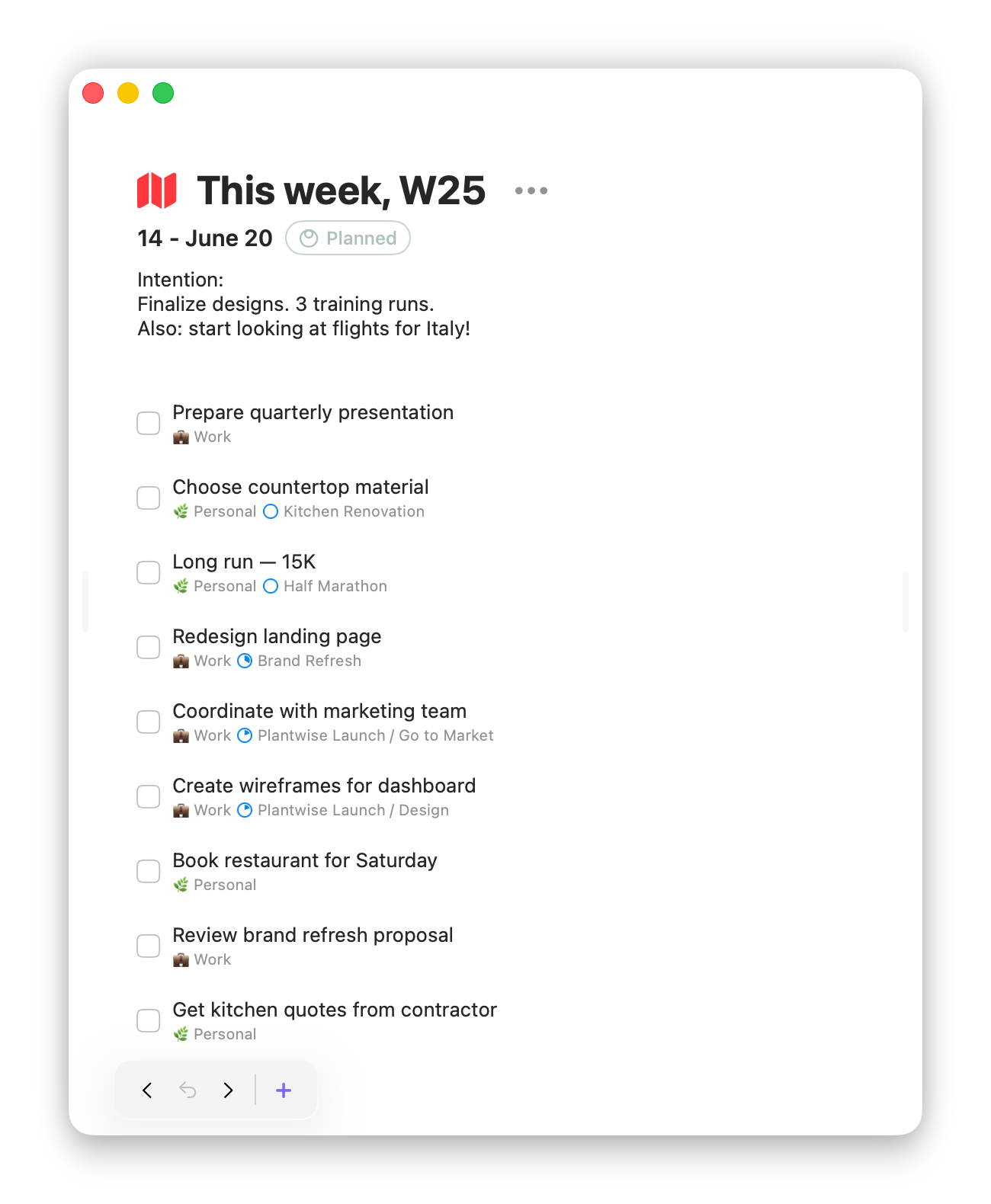
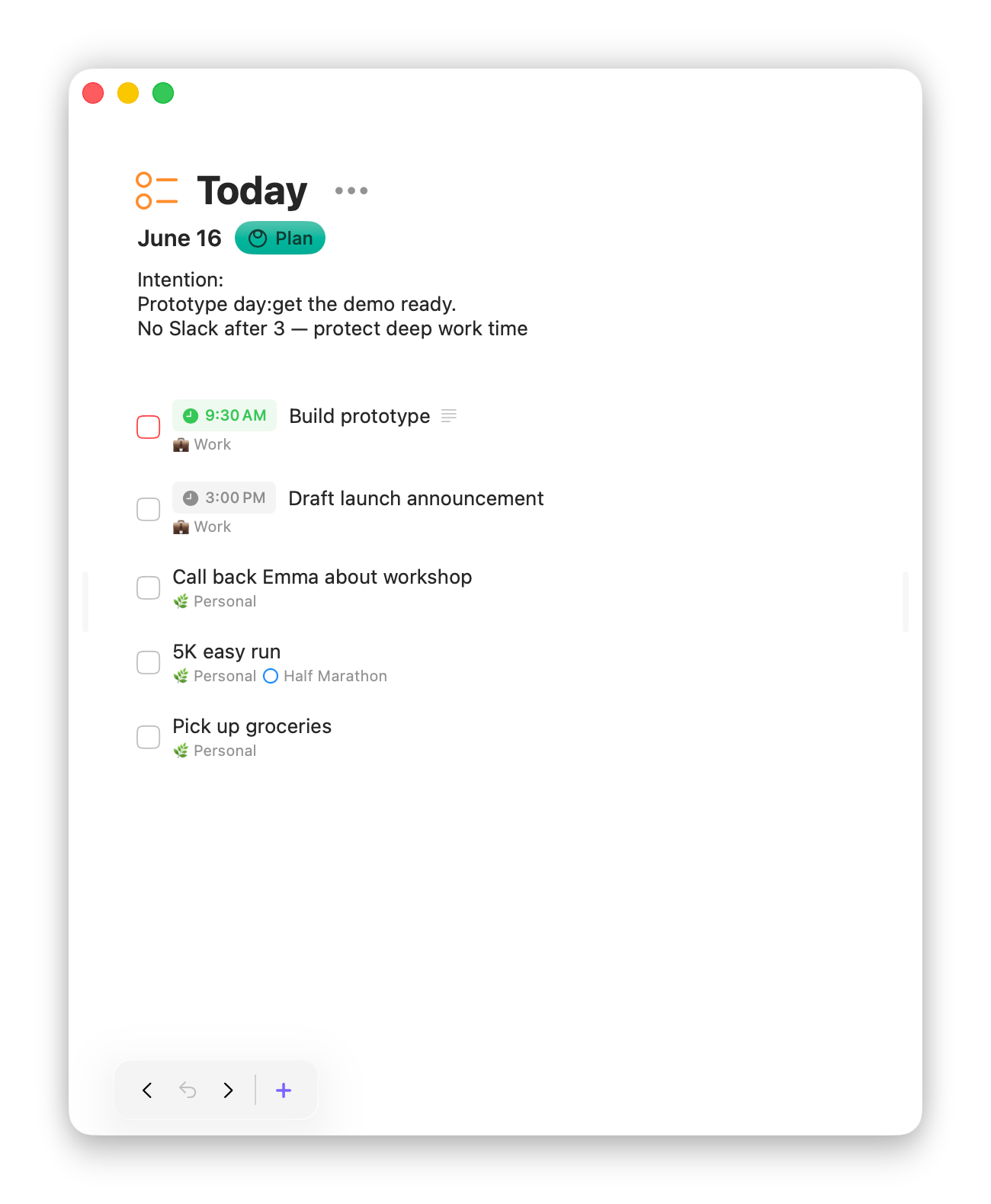
Sonto is a planning app for Mac, iPhone and iPad — not another task manager. It links your long-term ambitions to what you actually do today, cascading a yearly intention into quarterly milestones, a weekly focus, and a daily plan. The method behind it was refined over ten years of coaching. Sonto is a one-time purchase, free to try for three weeks.
Who is it for?
Sonto is for people who set their own agenda: founders, entrepreneurs, freelancers, creatives, and other knowledge workers. It fits personal ambitions as well as professional ones. If your days keep filling up with everyone else’s urgent tasks, Sonto helps you make time for what’s important, not just what’s urgent.
How does it work?
Most task managers hand you a blank list and wish you luck.
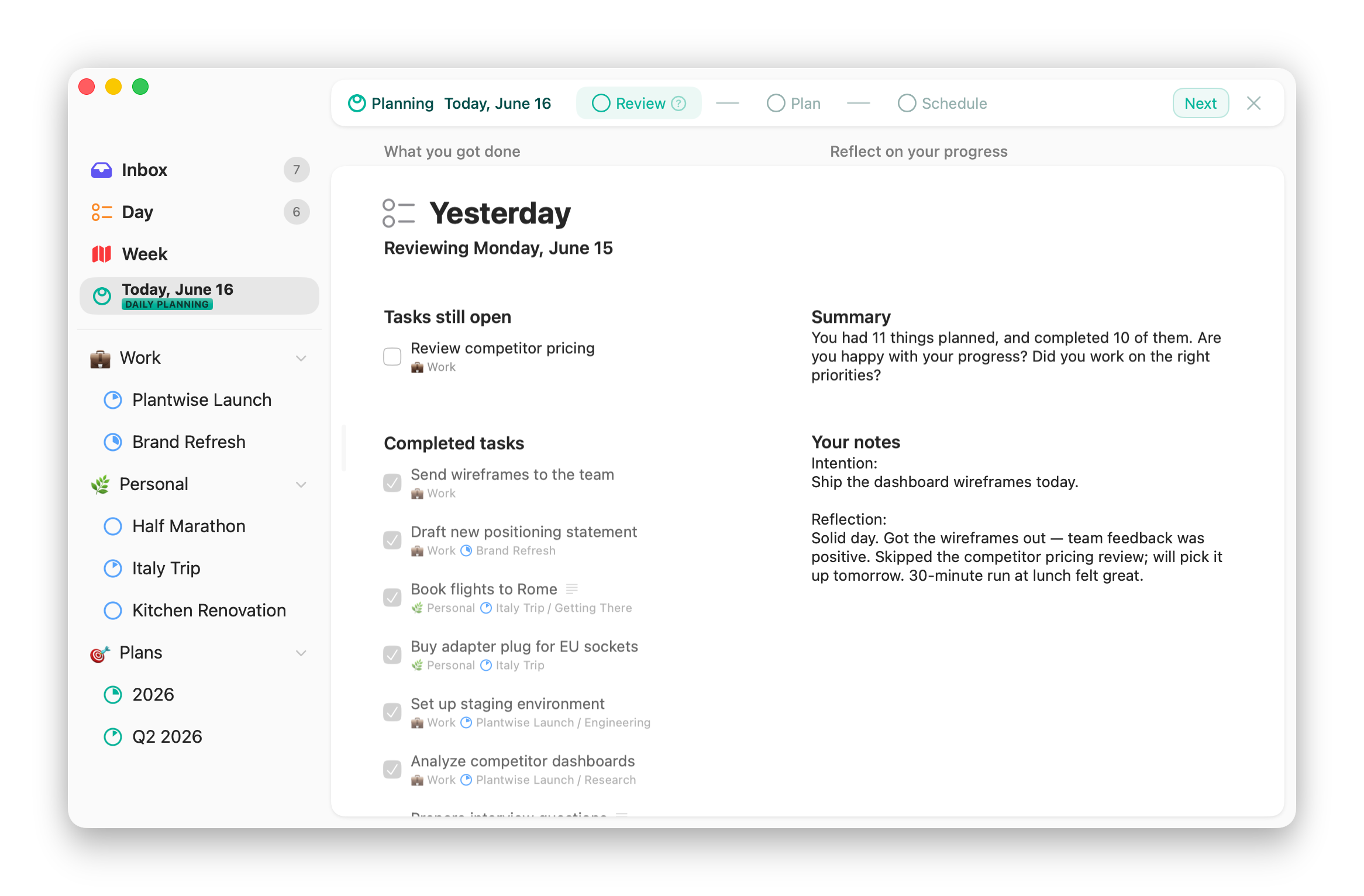
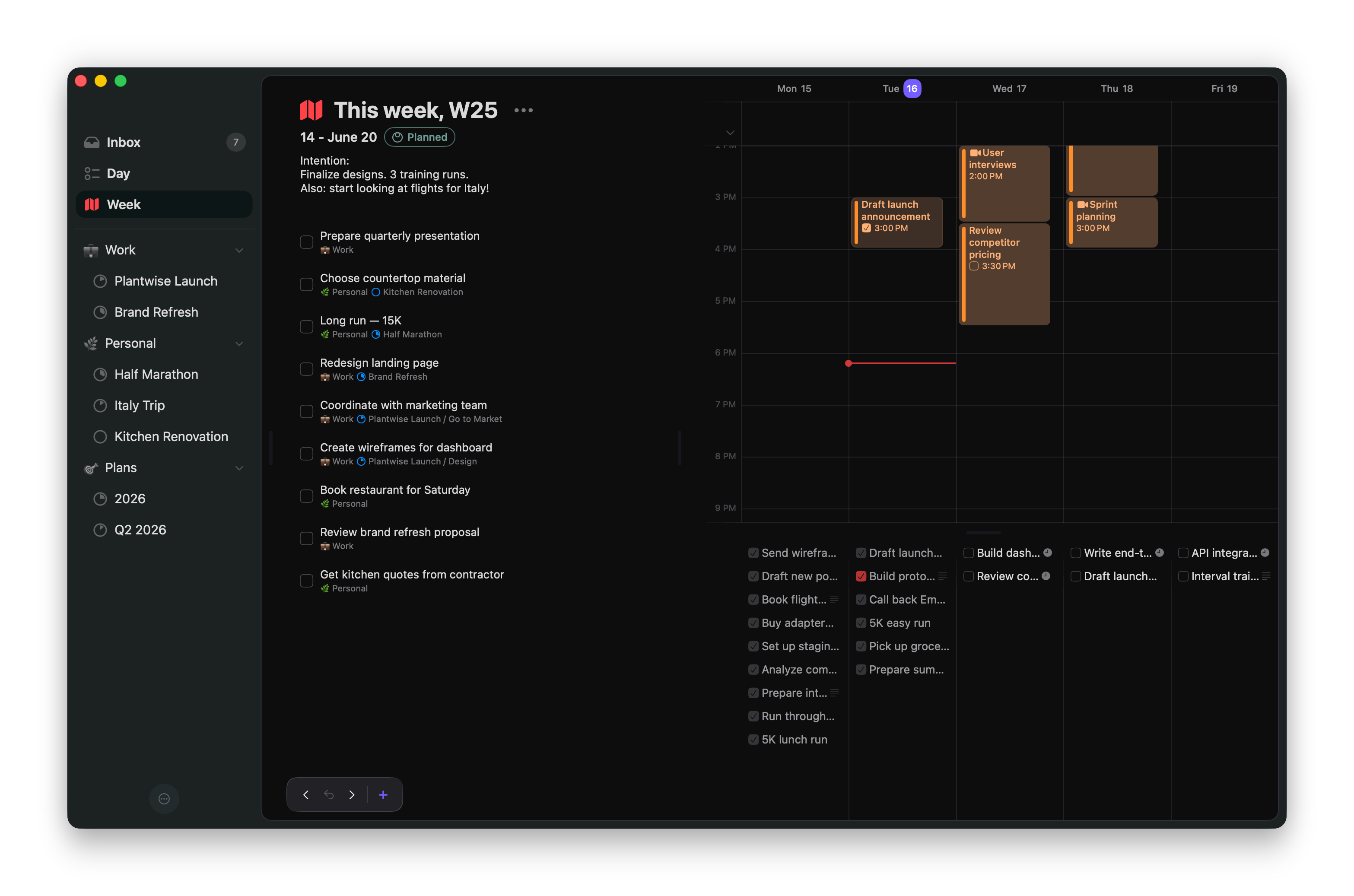
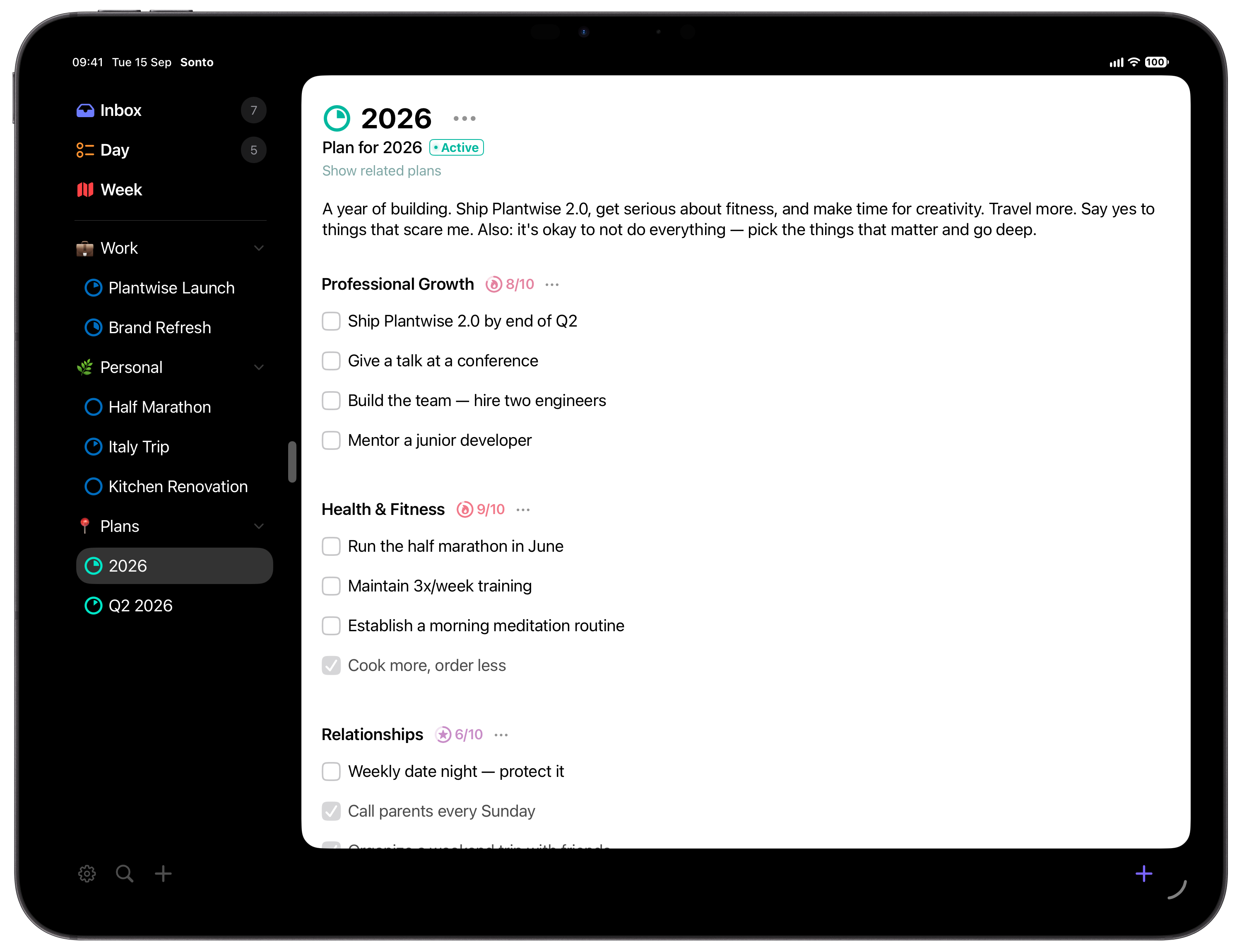
Sonto is more opinionated: it nudges you to plan for the year,
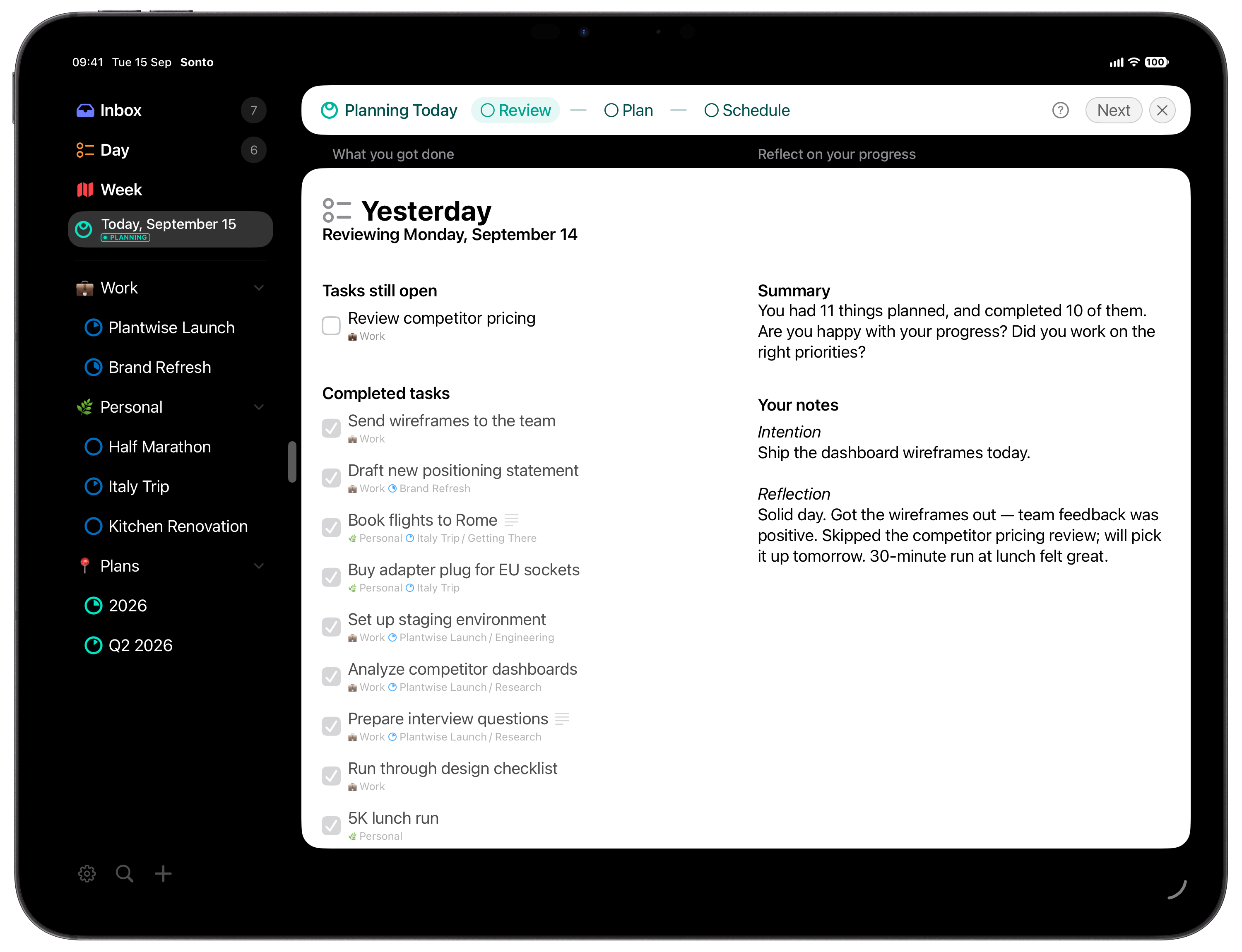
the quarter, the week, and the day, then guides you through each
session so the goals you set actually reach your schedule. You
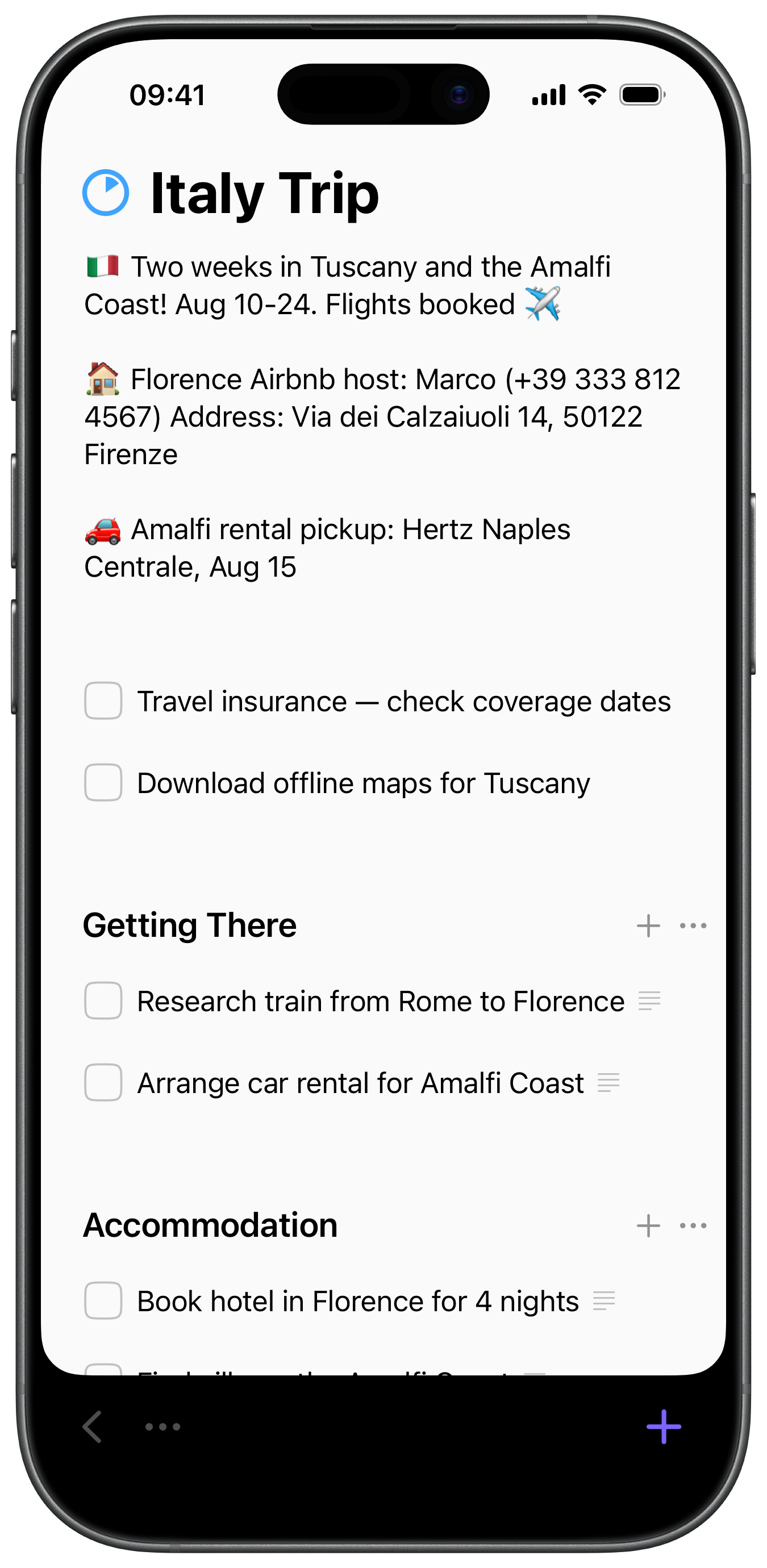
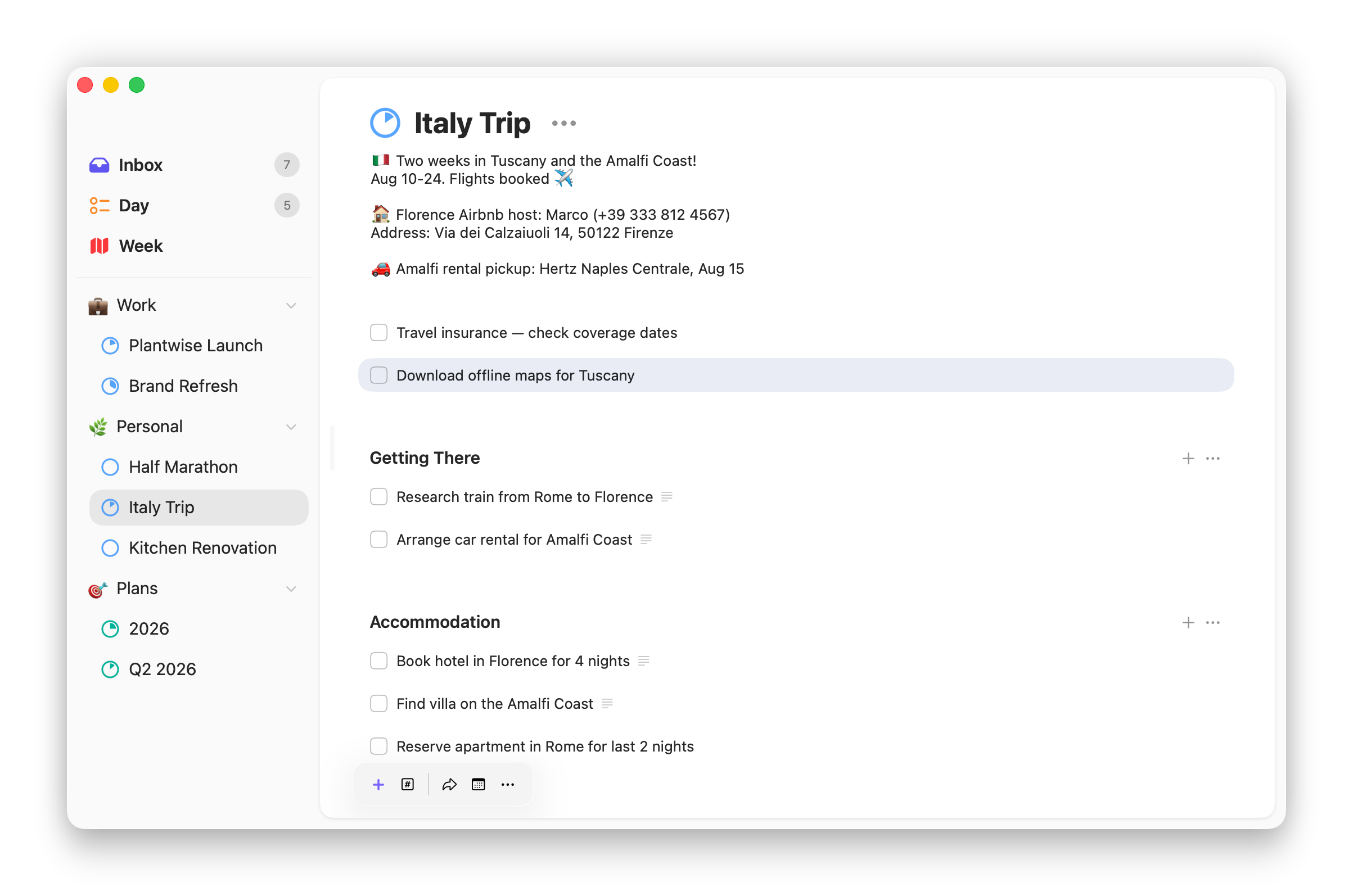
still get projects, tags, and the rest of what you’d
expect; Sonto also helps you decide what deserves your time.
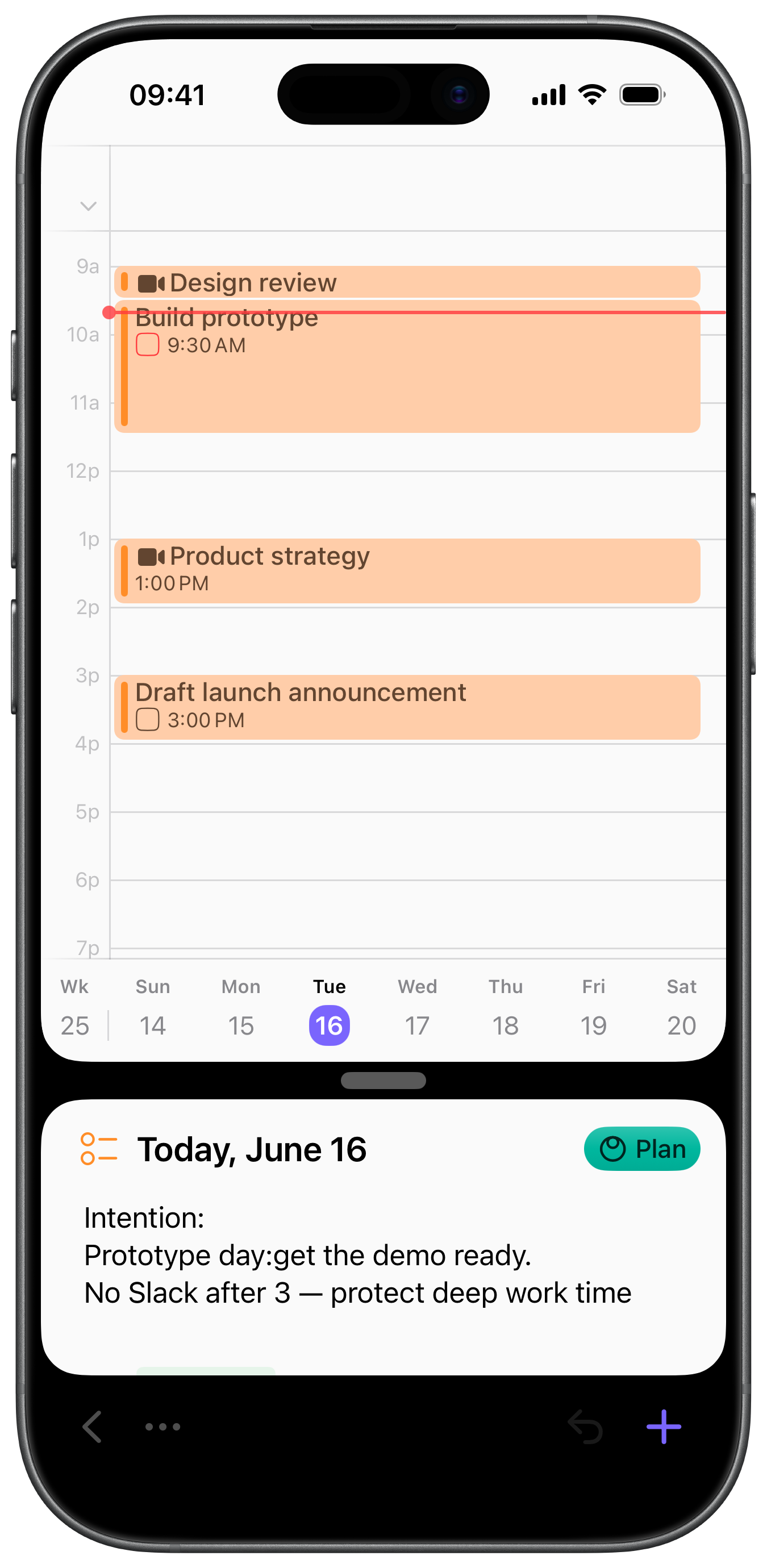
To close the gap between planning and doing, Sonto plugs into
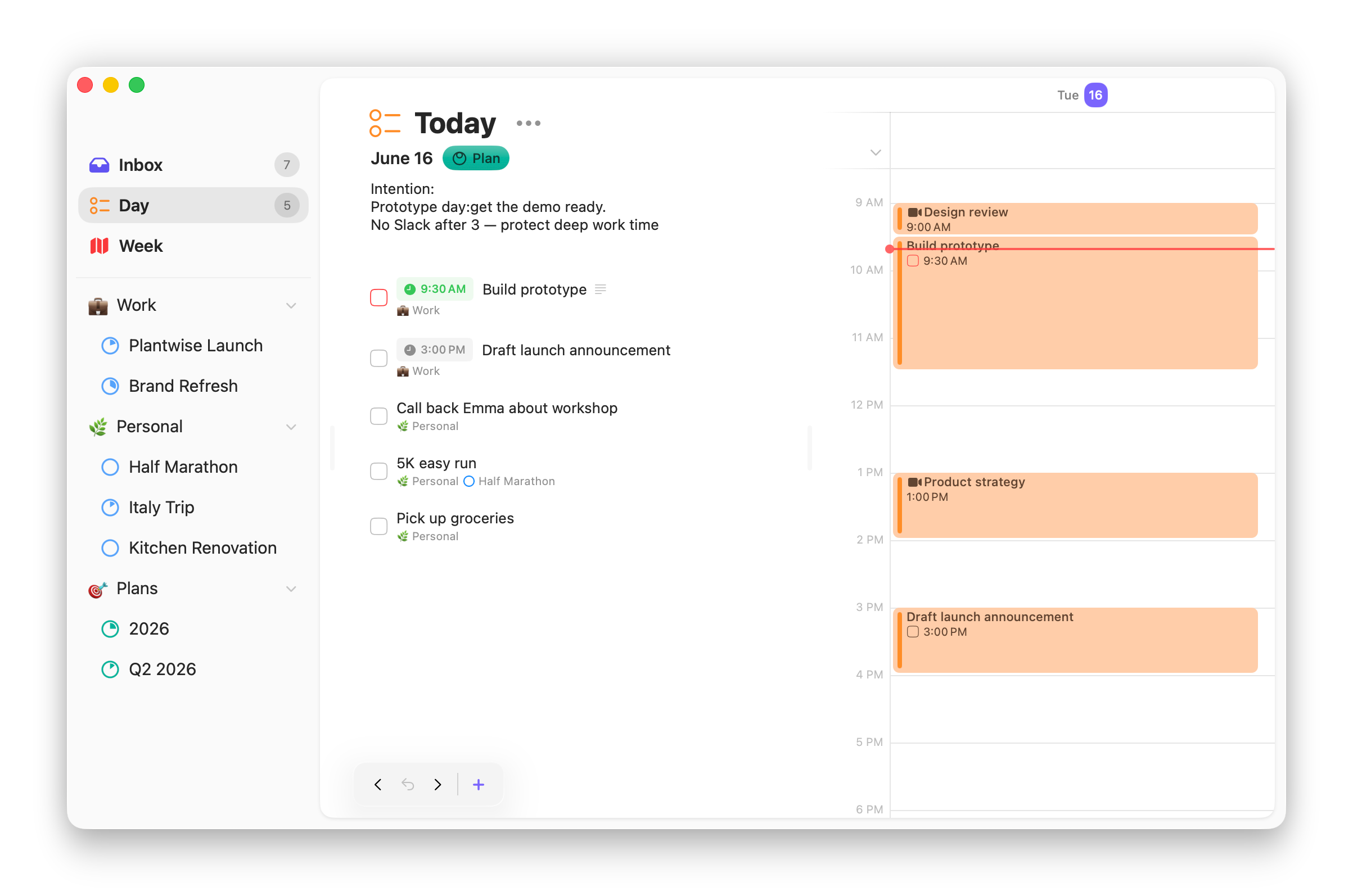
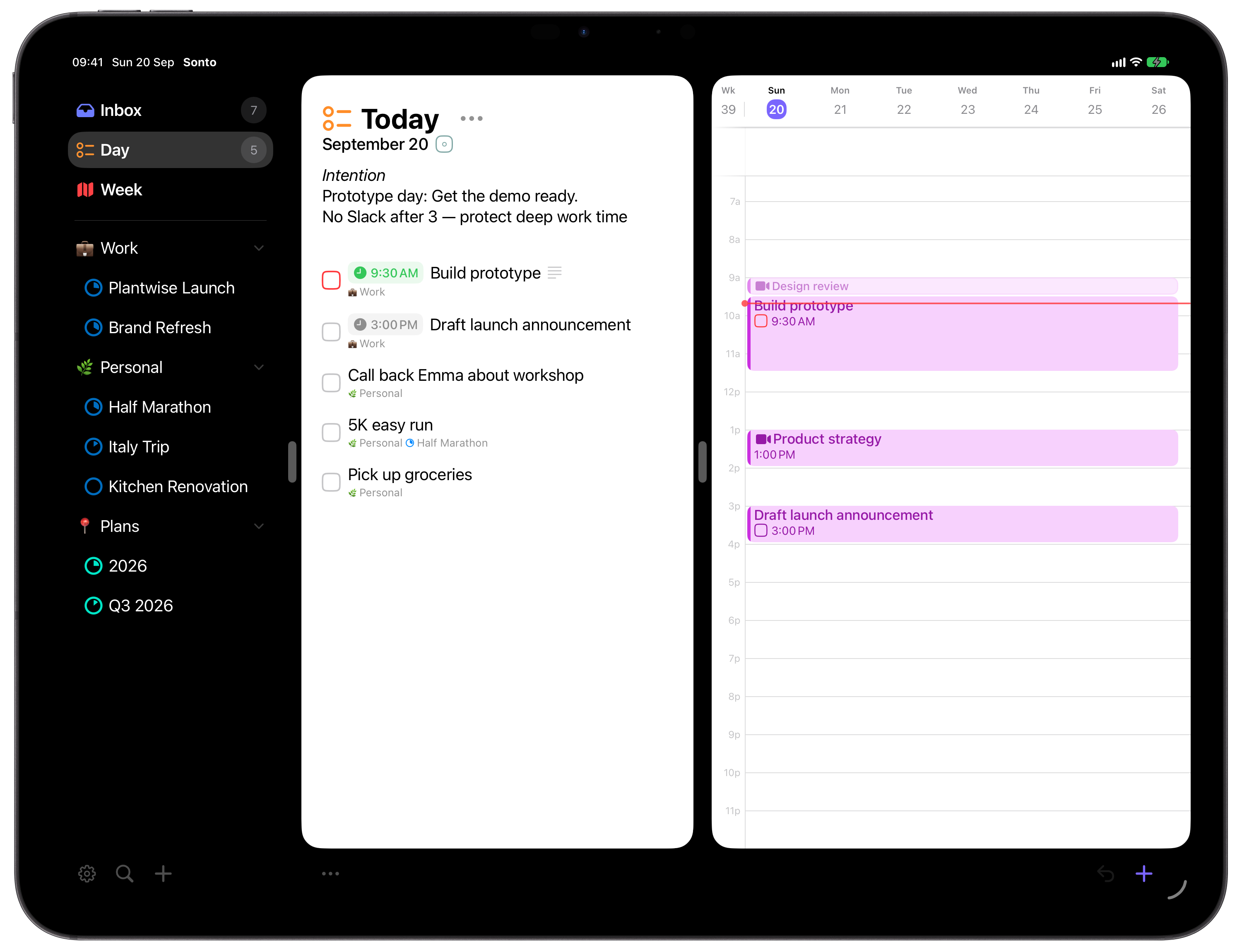
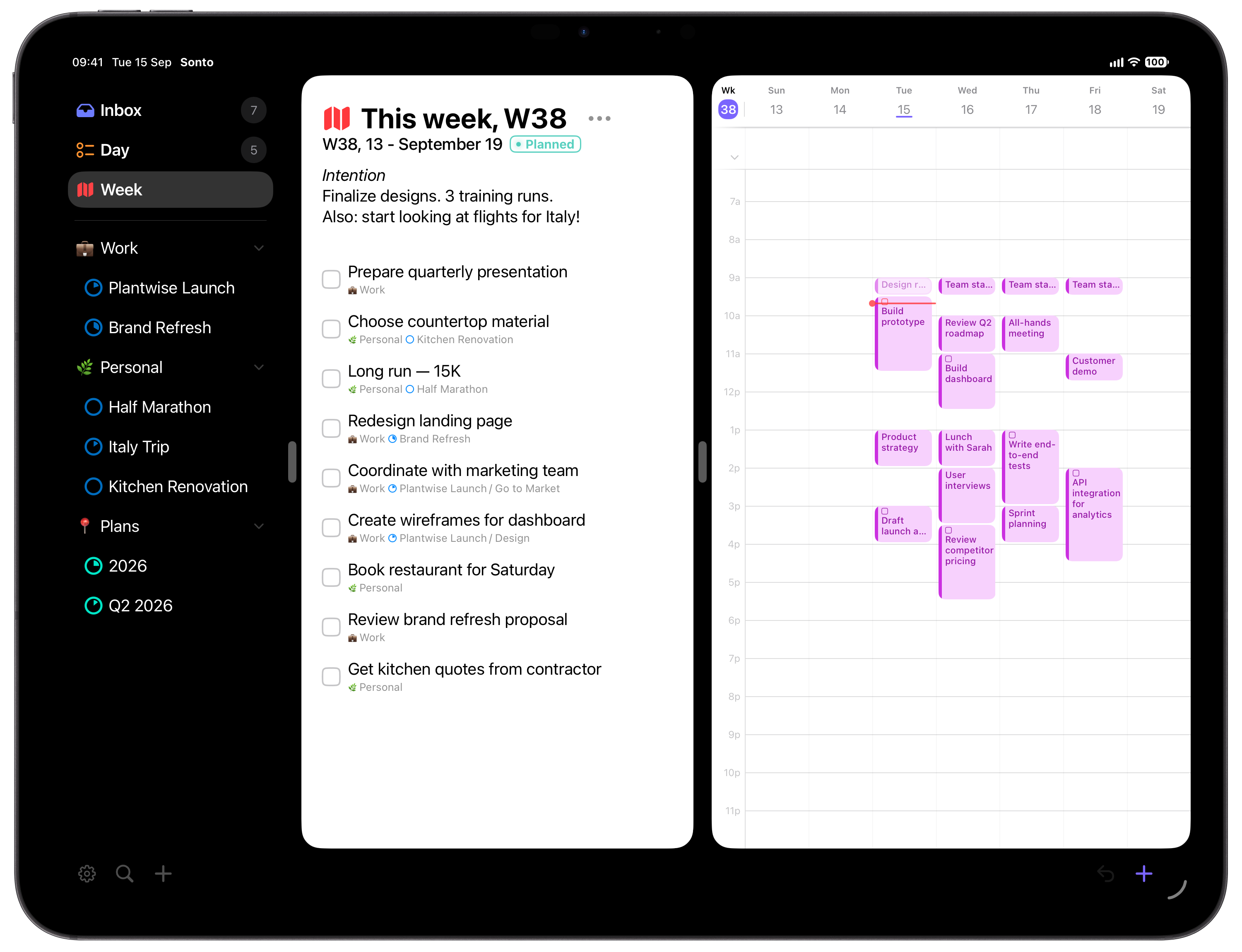
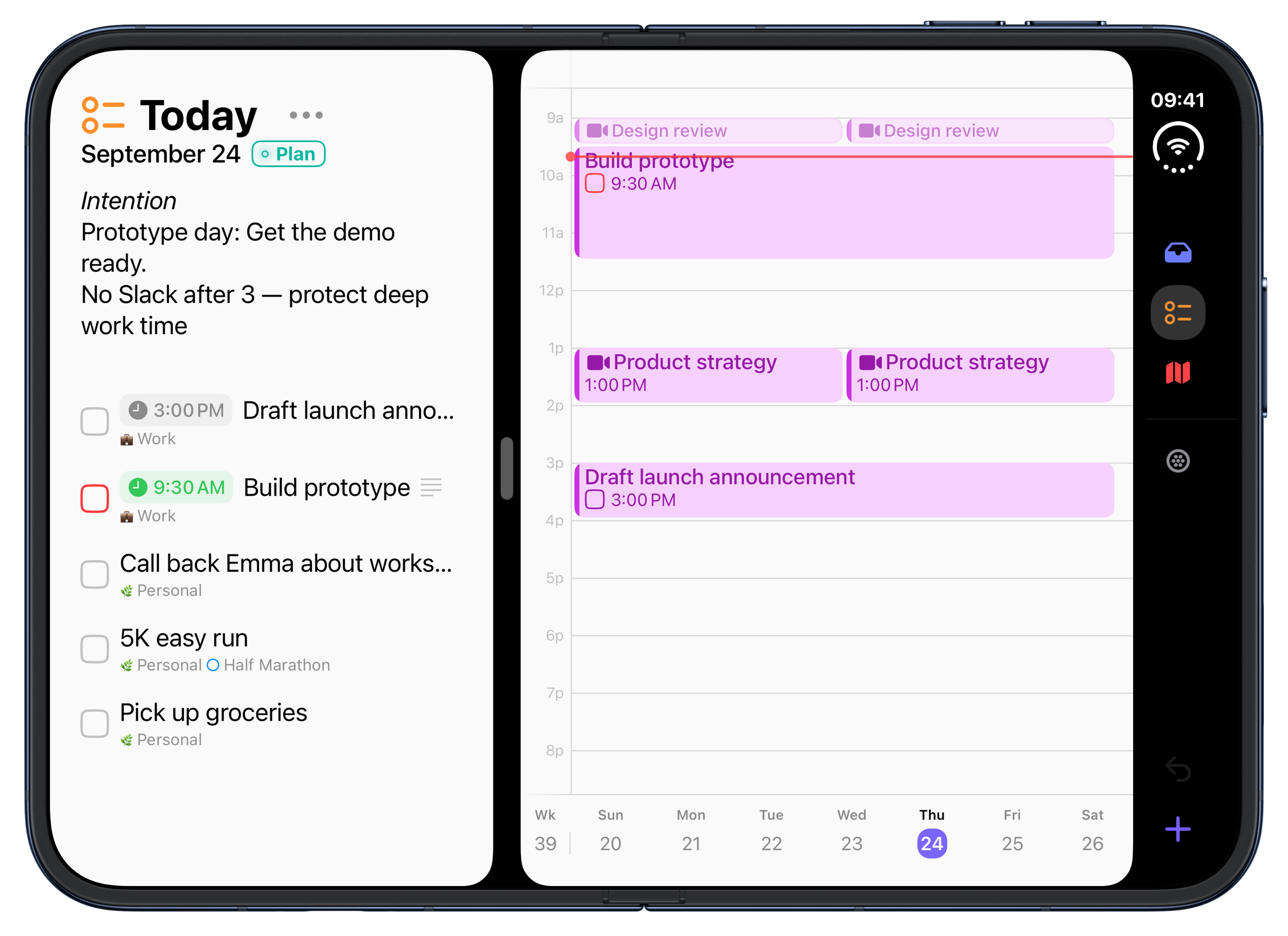
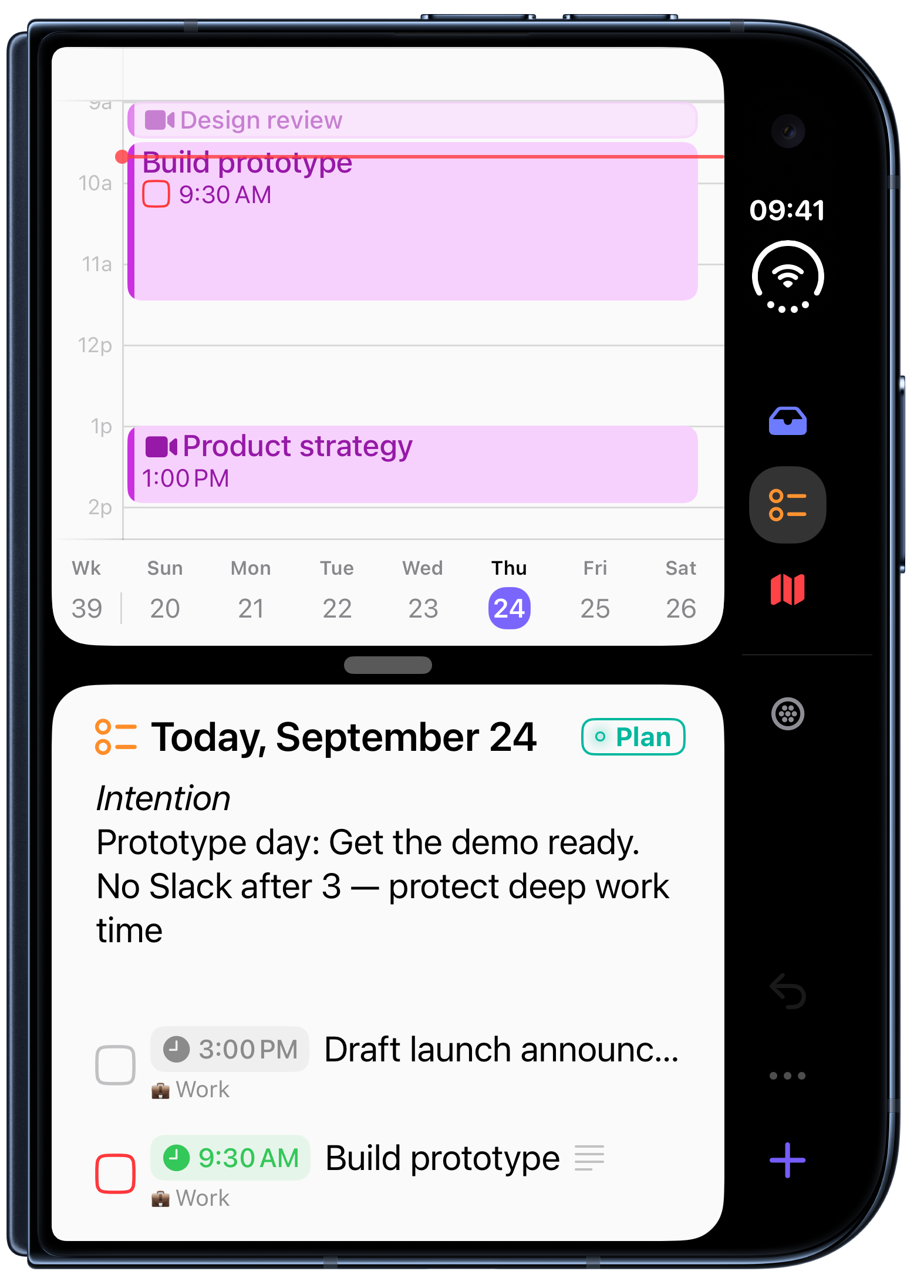
your calendar: drag a task onto it to block real time for the
work before the meetings take it. And if you use AI tools,
Sonto’s built-in MCP connector lets Claude, ChatGPT, or
others read your plans and help you reflect or shape the next
quarter. It is read-only until you allow changes, and it can be
switched off entirely.
Key Features
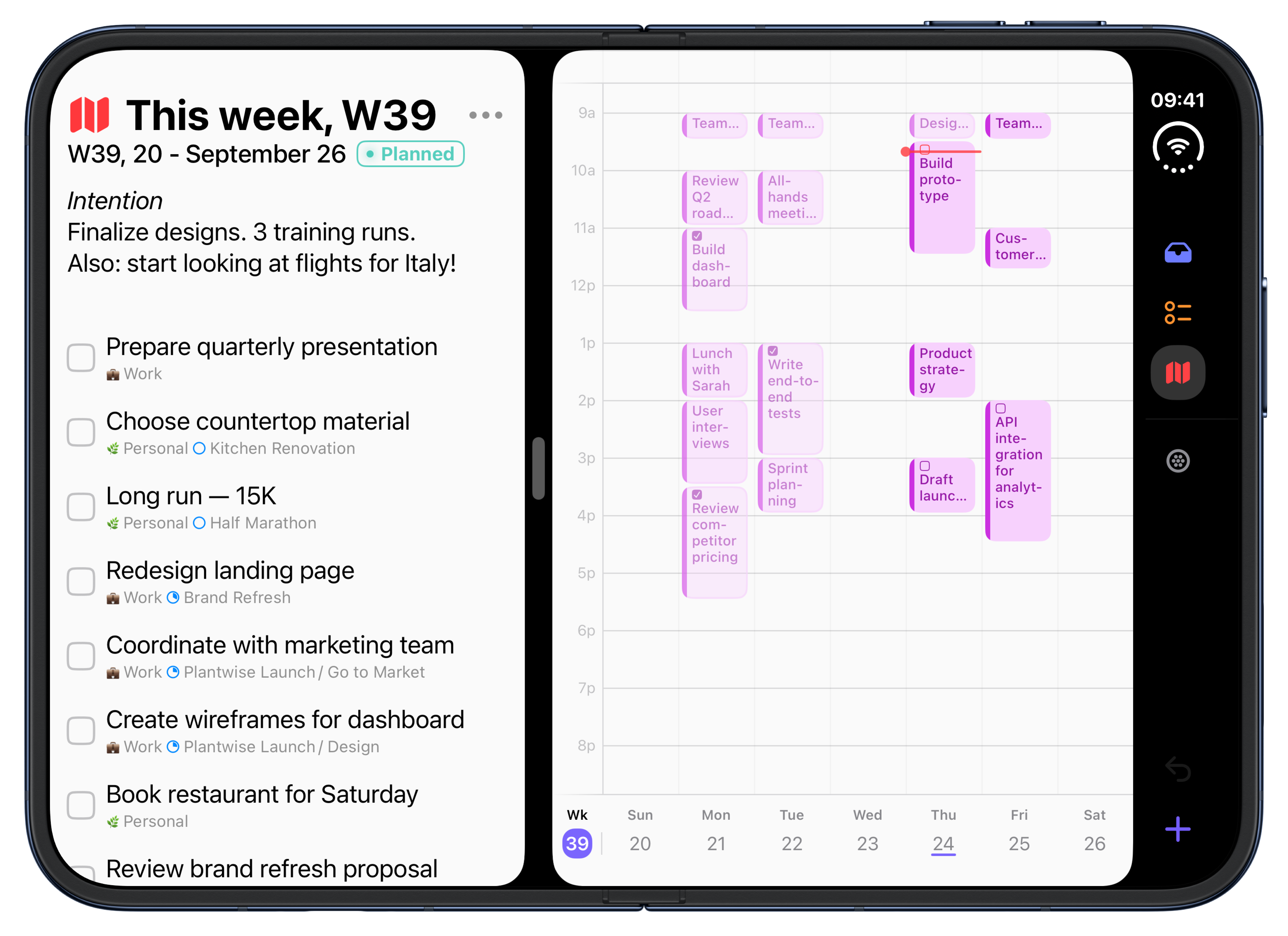
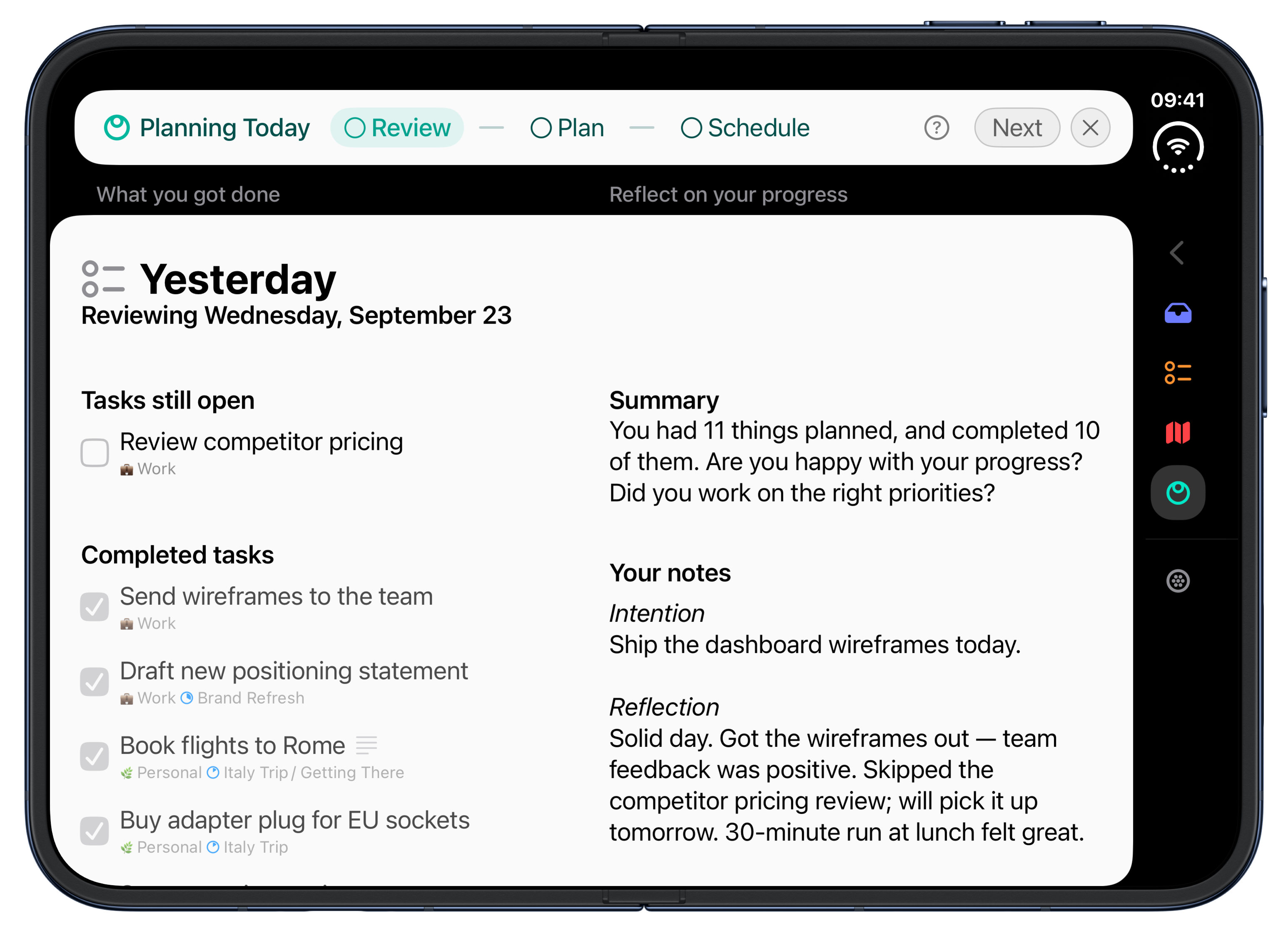
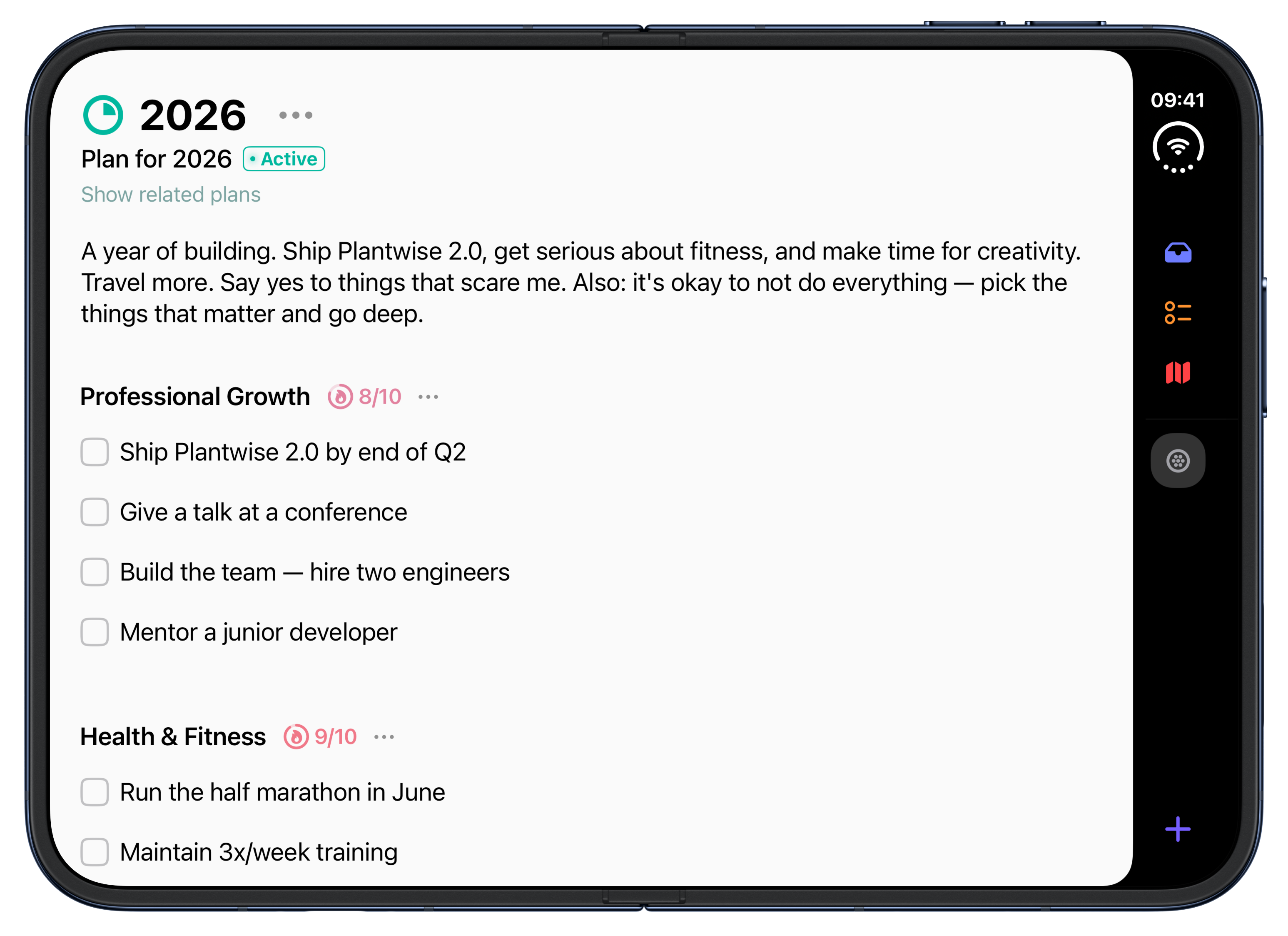
- Cascading plans. Guided Year → Quarter → Week → Day planning sessions.
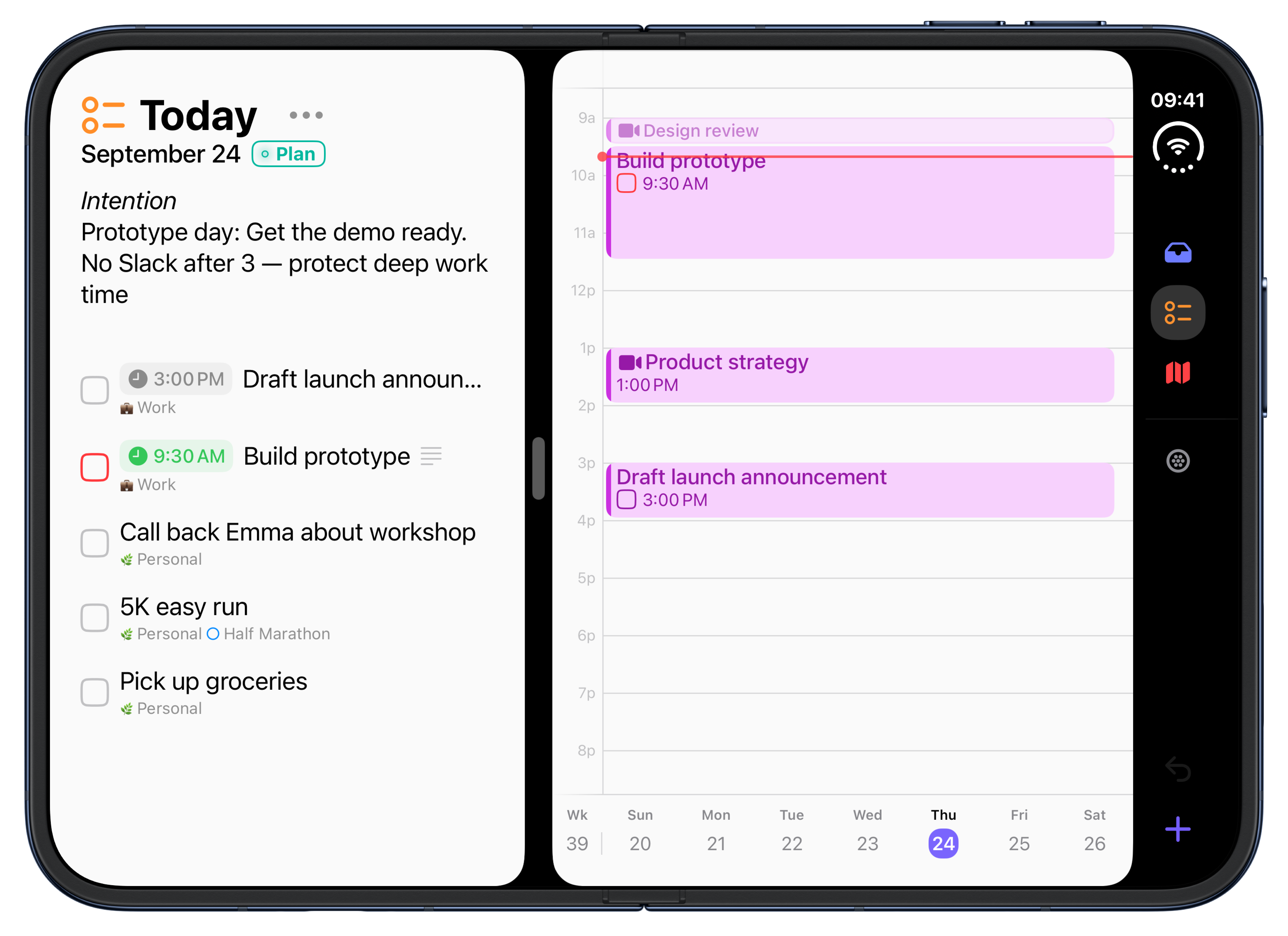
- Calendar time-blocking. Drag tasks onto your calendar to protect focus time.
- Natural-language capture. Type “Prepare deck #Work tomorrow 3pm 90m.”
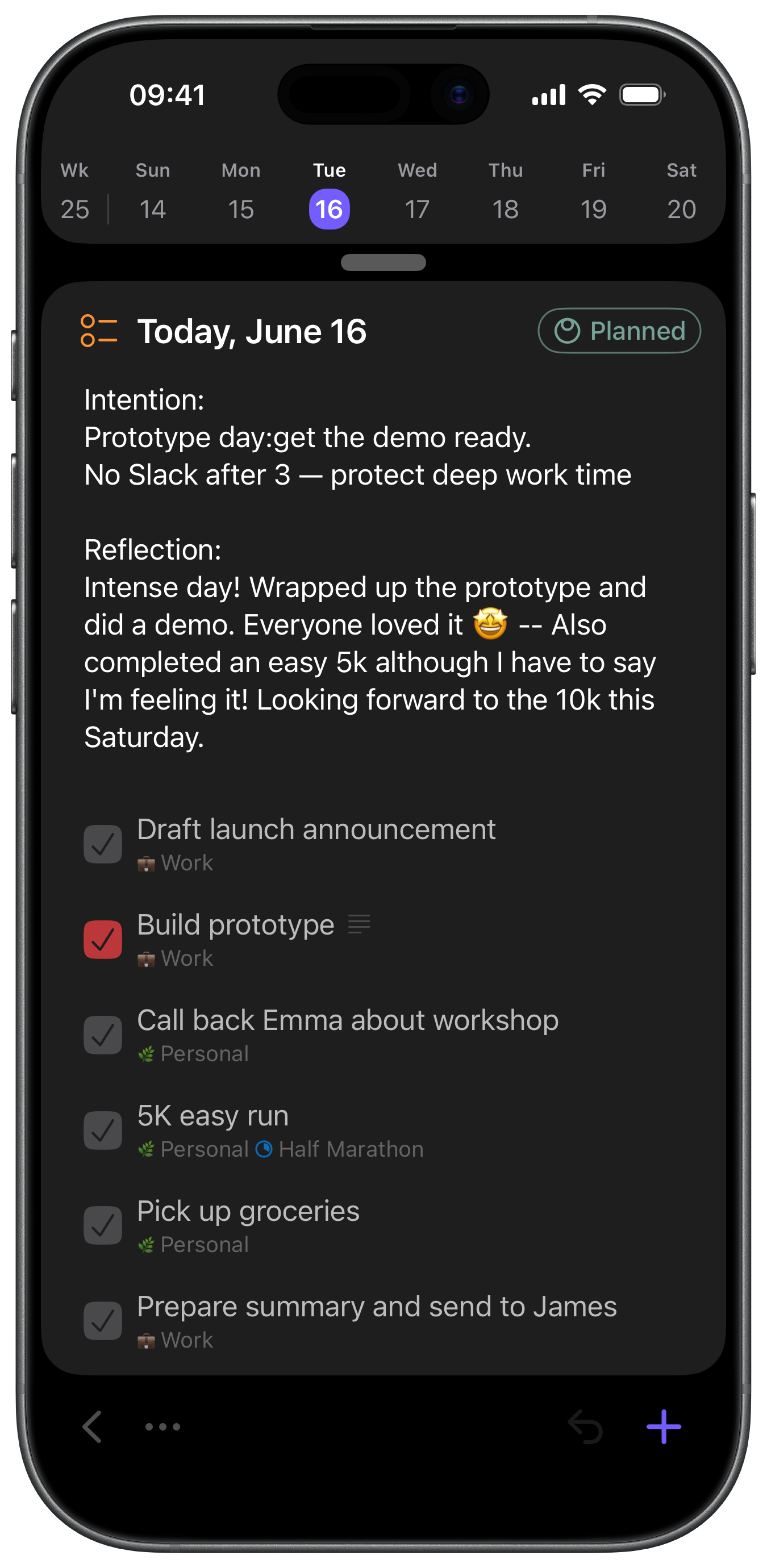
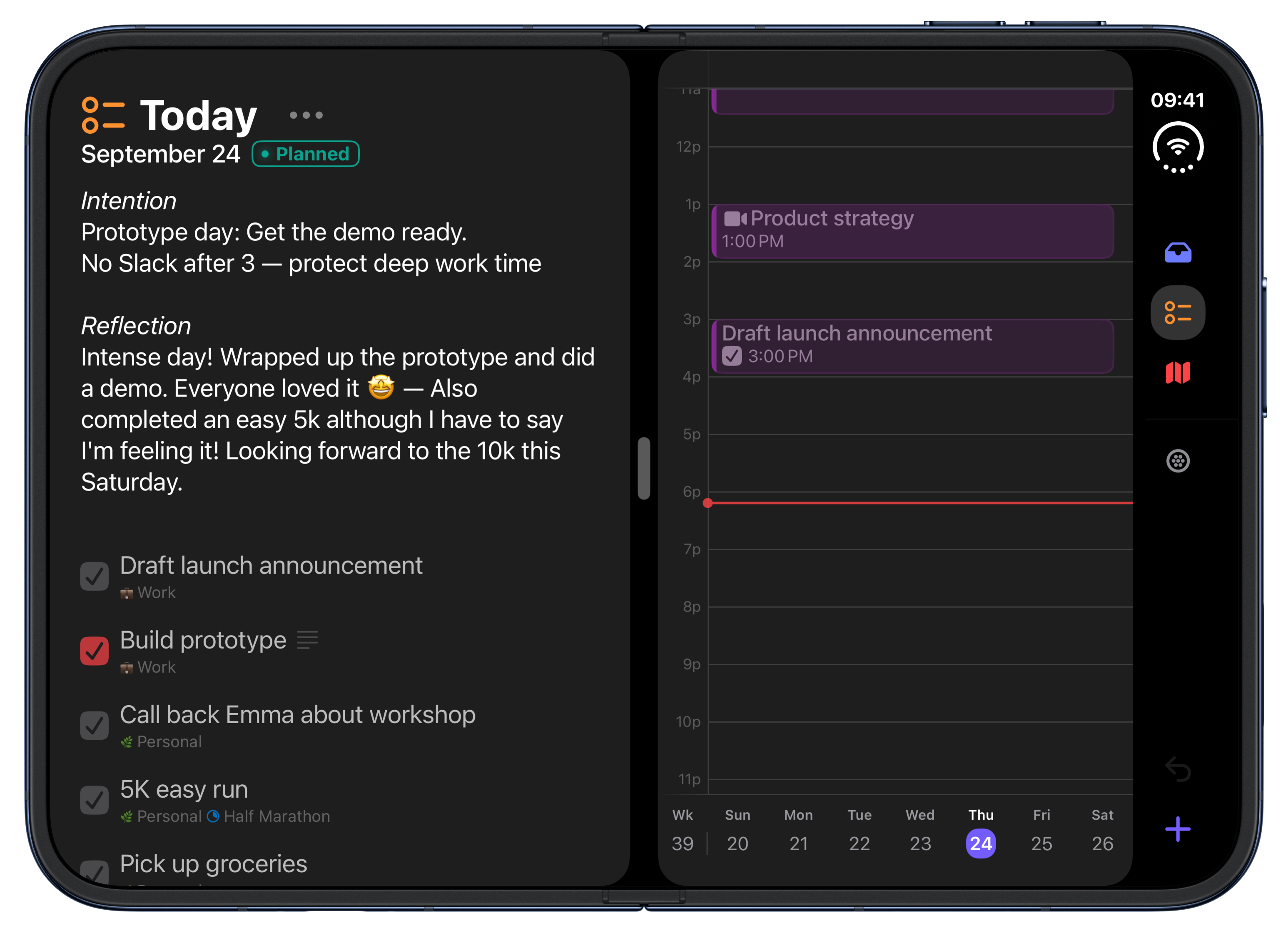
- Reflect with notes. On each day, week, plan, project, area, and tag.
- Private by design. End-to-end encrypted via iCloud — no accounts, tracking, or ads.
- AI-ready. A built-in MCP server connects Sonto to Claude, ChatGPT, or any assistant.
- Backup and import. Automatic weekly backups, and import from Apple Reminders, Todoist, and Things.
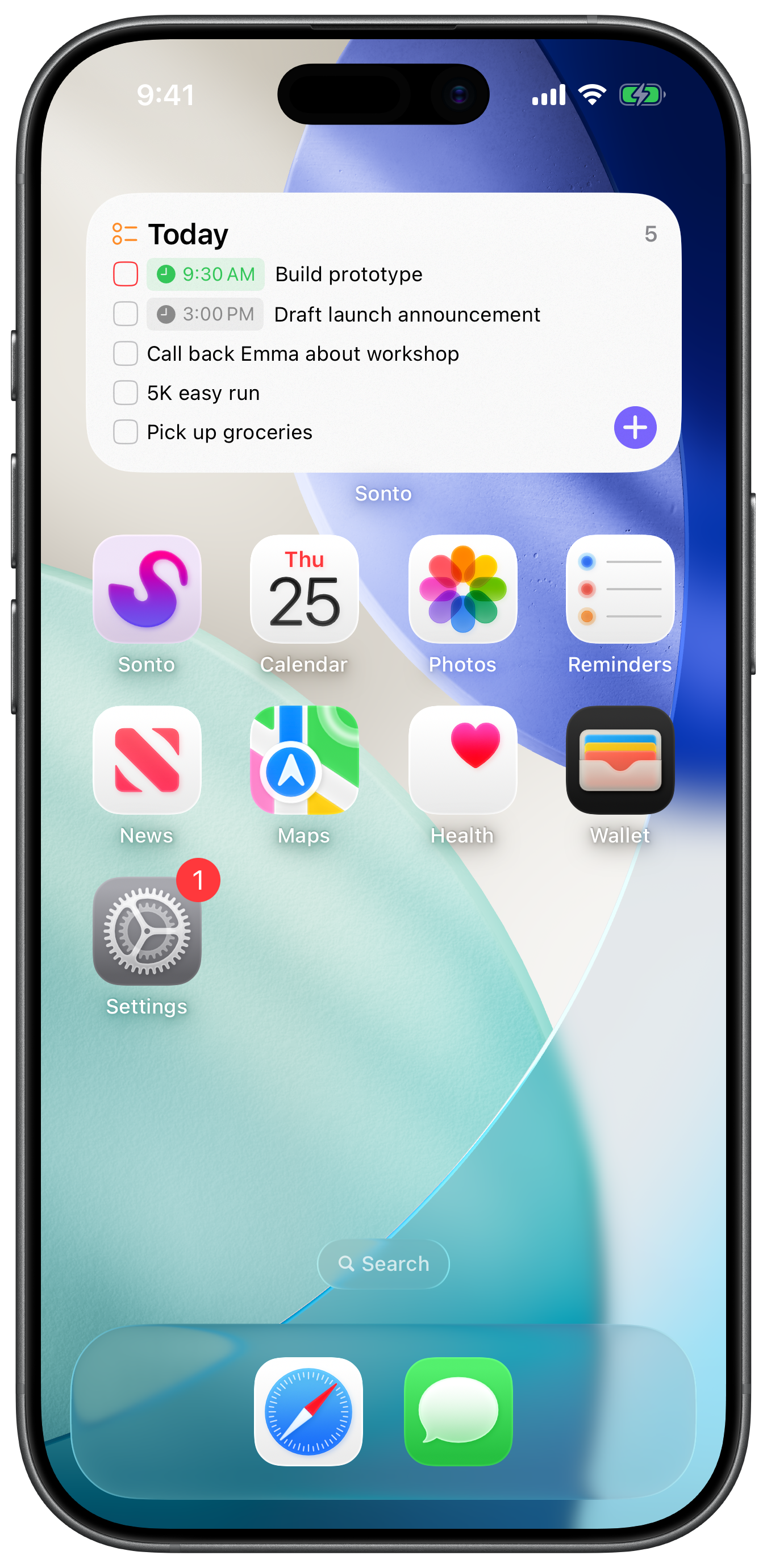
- Native & polished. Fast, keyboard-driven, with widgets, Siri, and Shortcuts.
- Built to be accessible. VoiceOver, Dynamic Type and five text sizes, with Reduce Motion, Reduce Transparency and Differentiate Without Colour respected throughout.
- Scriptable. A command-line tool on the Mac drives Sonto from a terminal or a coding agent.
Sonto is available in nine languages
English · Nederlands · Deutsch · Français · Español · Português · 日本語 · 한국어 · 简体中文
“A very useful tool for many”
Oliver Burkeman, bestselling author of Four Thousand Weeks
“Sonto offers exactly the oversight and planning workflows that Things users are missing.”
Mat R.
“Genuinely helps with task completion and aligning them to personal goals.”
Stepan S.
“I’ve been looking for something like this forever.”
Mike B.
Pricing
Sonto is a one-time purchase. Everything is included —
planning, calendars, time blocking, repeating tasks, tags, AI
access and the CLI.
Every install starts with a free three-week trial of the whole
app.
There is no subscription.
- Purchase Sonto €34.99 / $29.99
No accounts, no ads, no tracking. On the App Store for Mac, iPhone and iPad.
Made by
Sonto is made by me, Bastiaan Terhorst. I was CTO at WeTransfer for eight years, founded a creative agency before that, and spent the last decade coaching people. I also love to tinker. I made the first version of Sonto for myself and the people I coach, distilling ten years of lessons about being effective at work and in life. Their response was encouraging enough that I put it on the App Store in late 2025.
Images
Every screenshot at full resolution, plus the app icon.
App icon

Mac
iPad
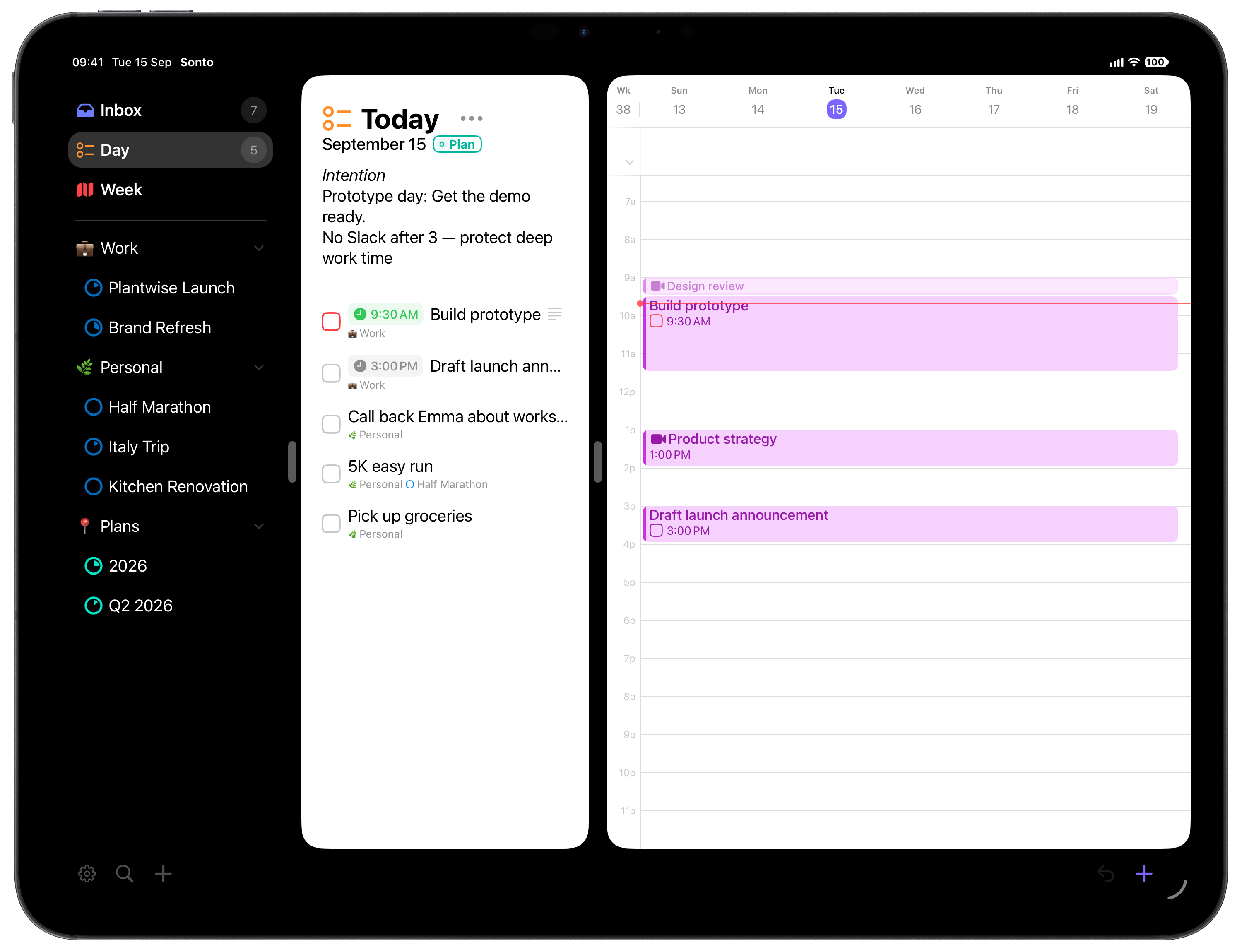
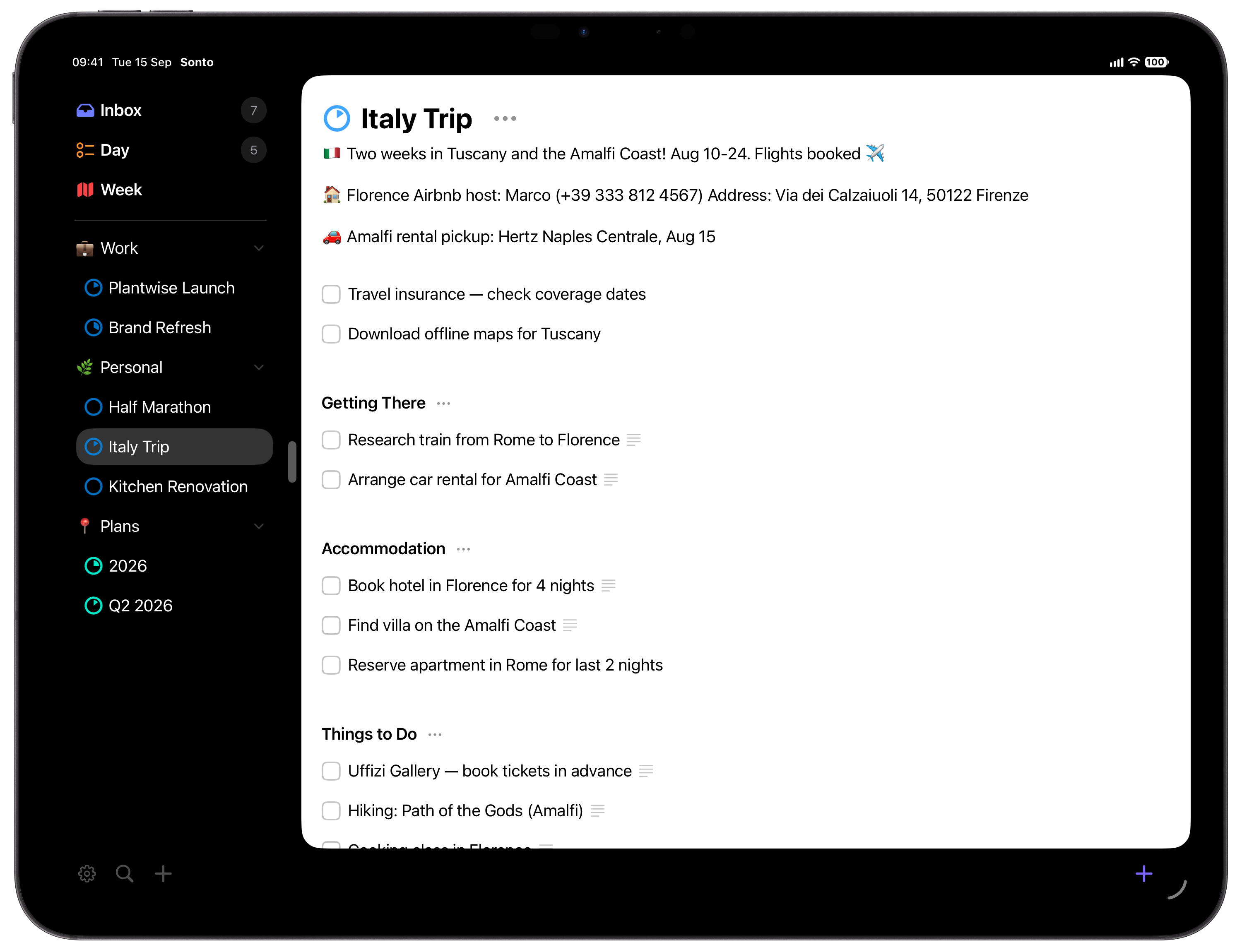
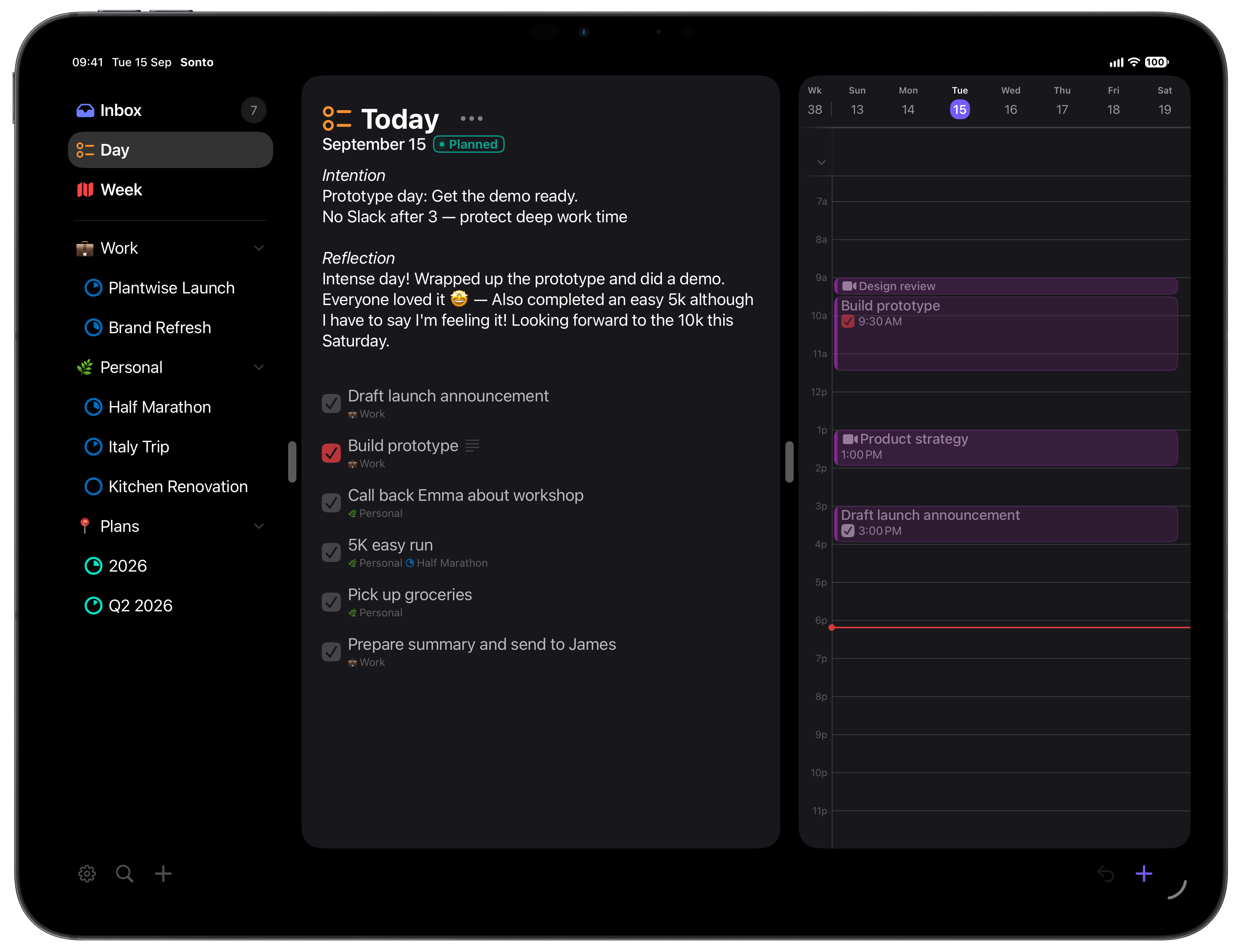
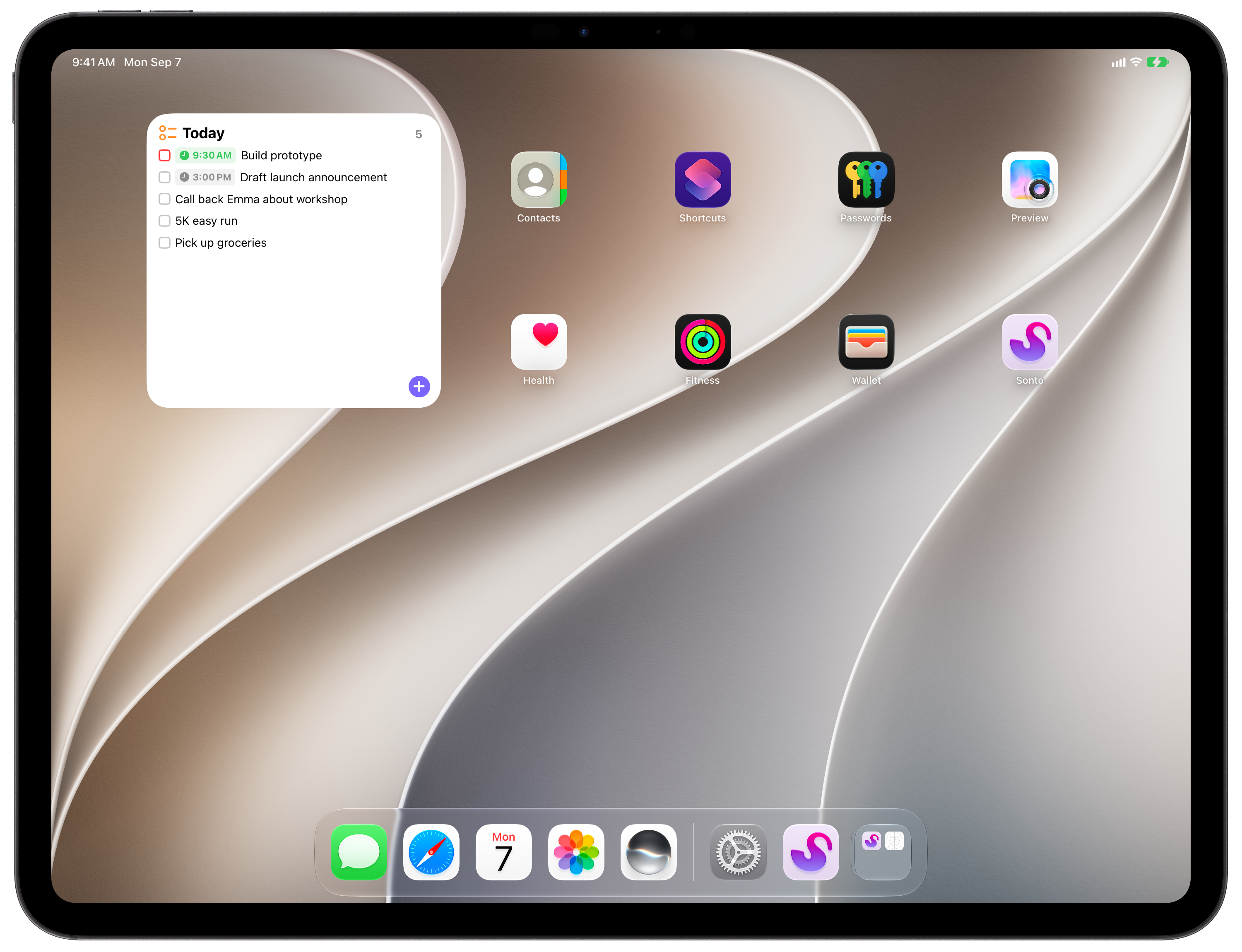
iPhone Duo
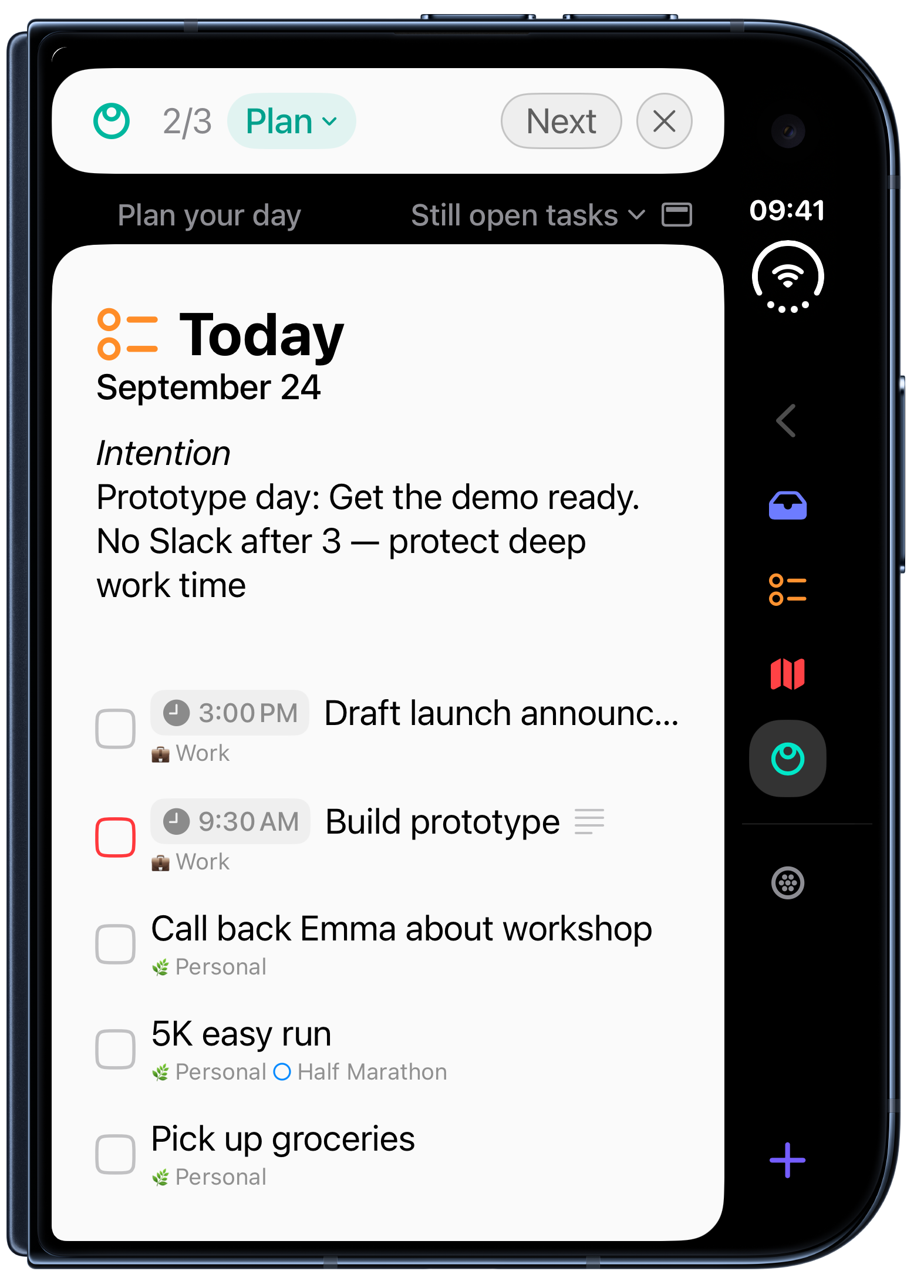
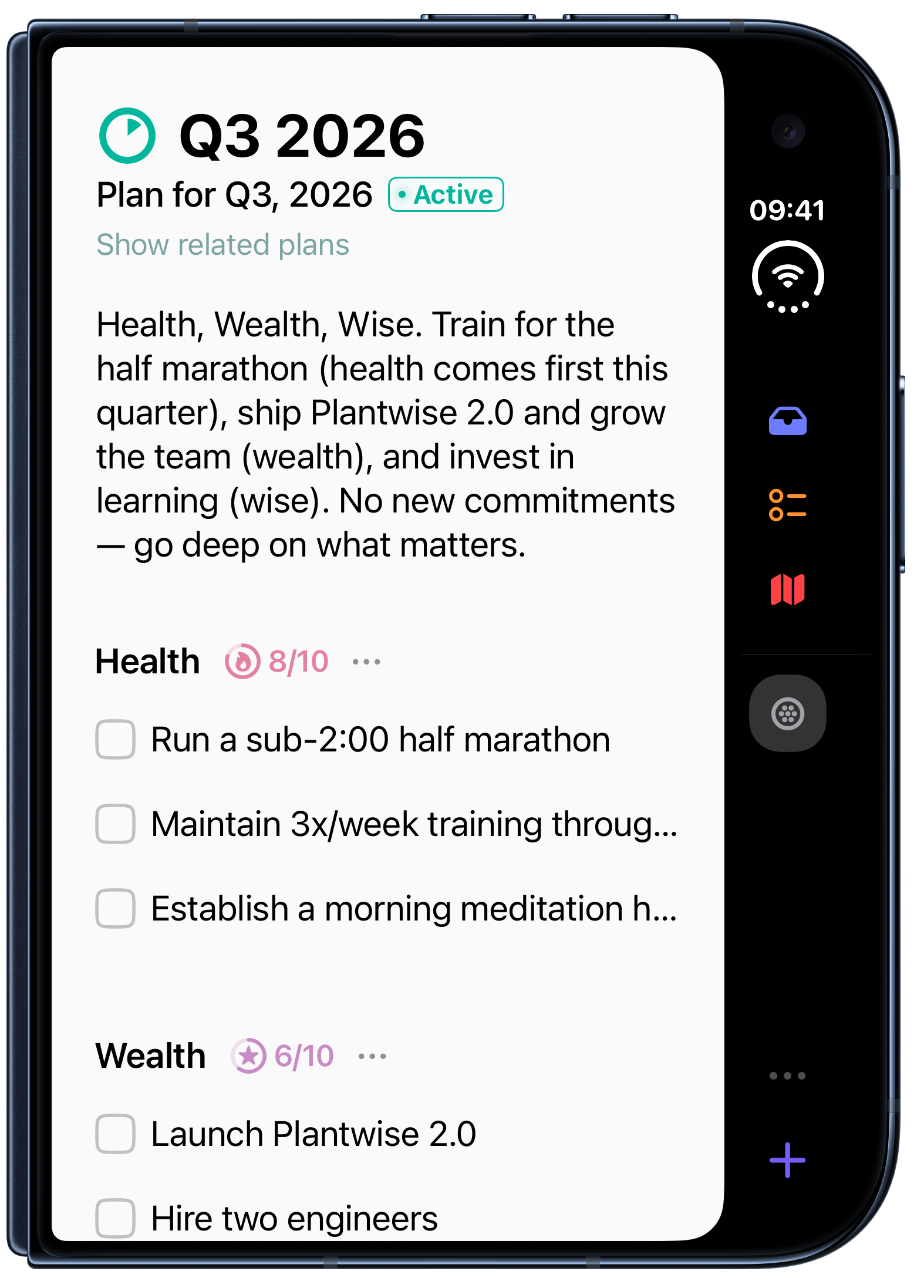
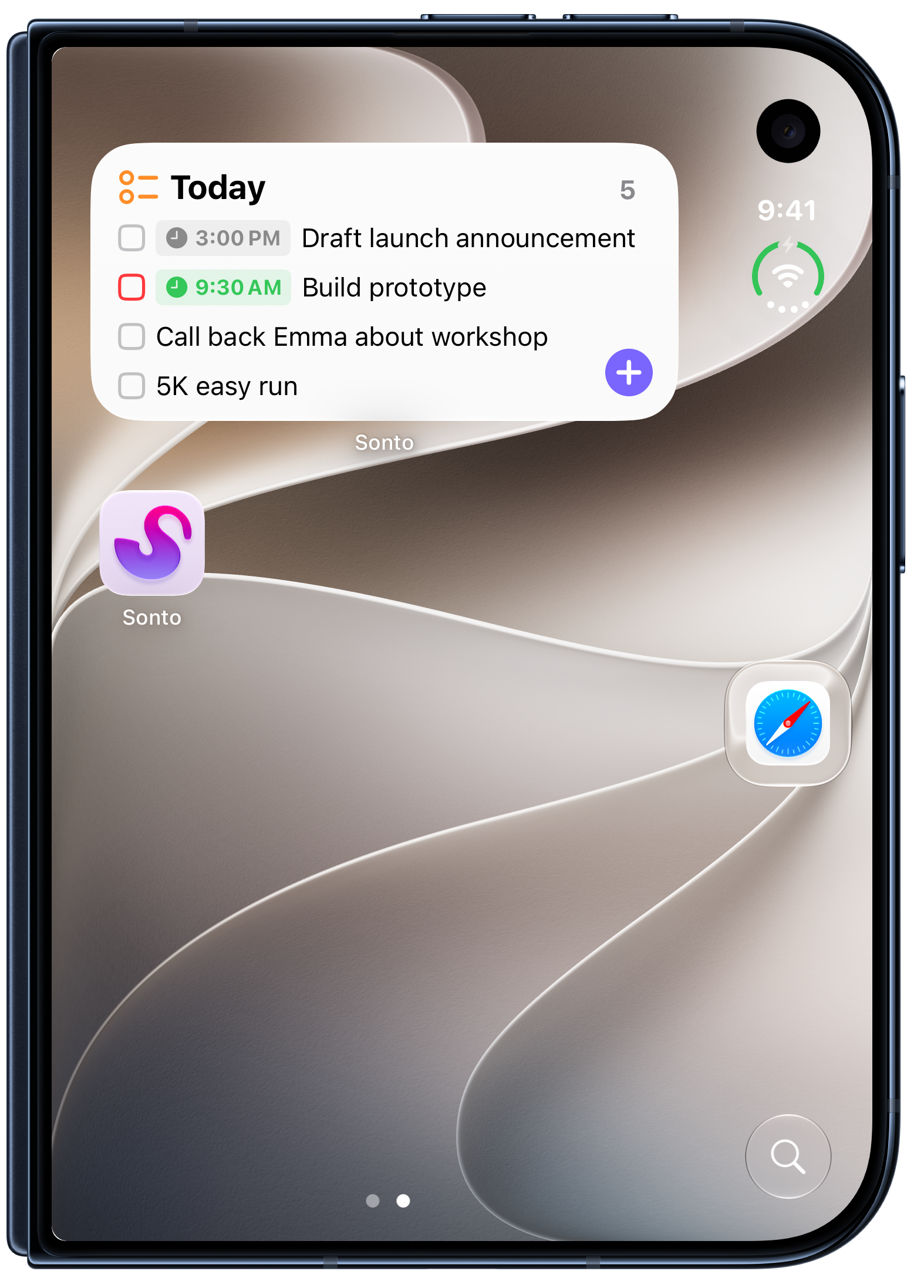
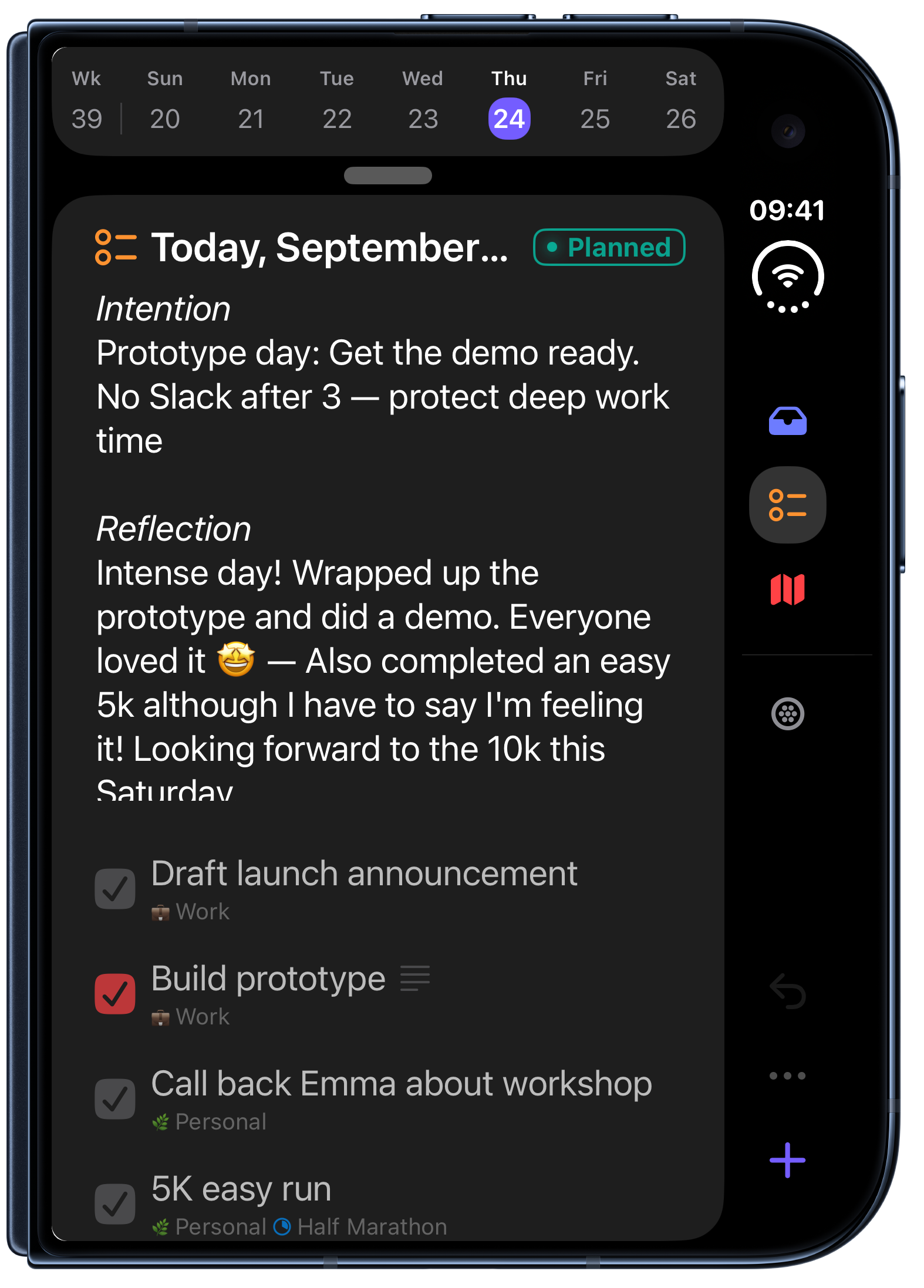
iPhone