
Batteries included
Projects, areas, tags, repeating tasks and file attachments. Import from Things, Todoist or Apple Reminders. Automatic backups.
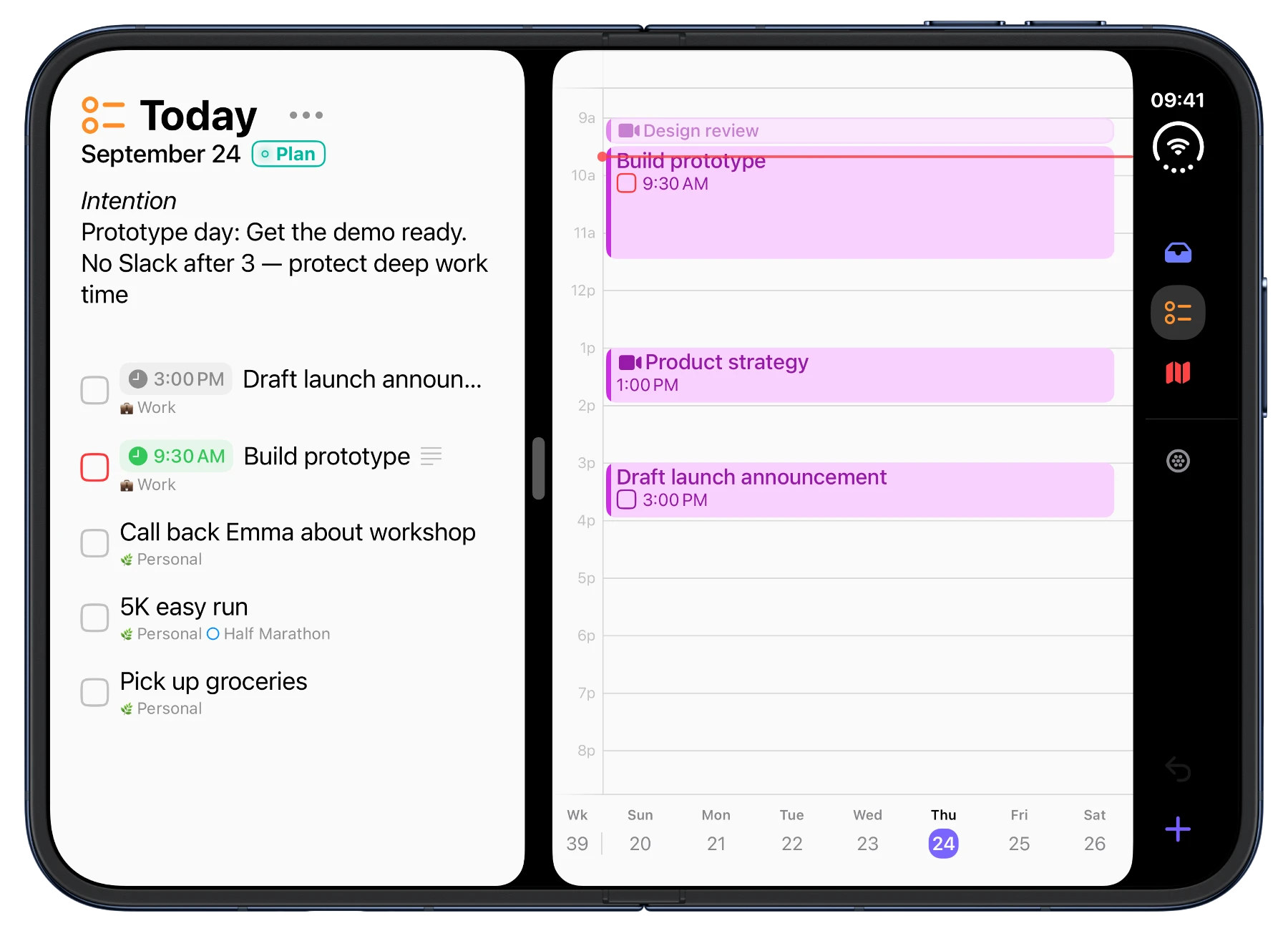
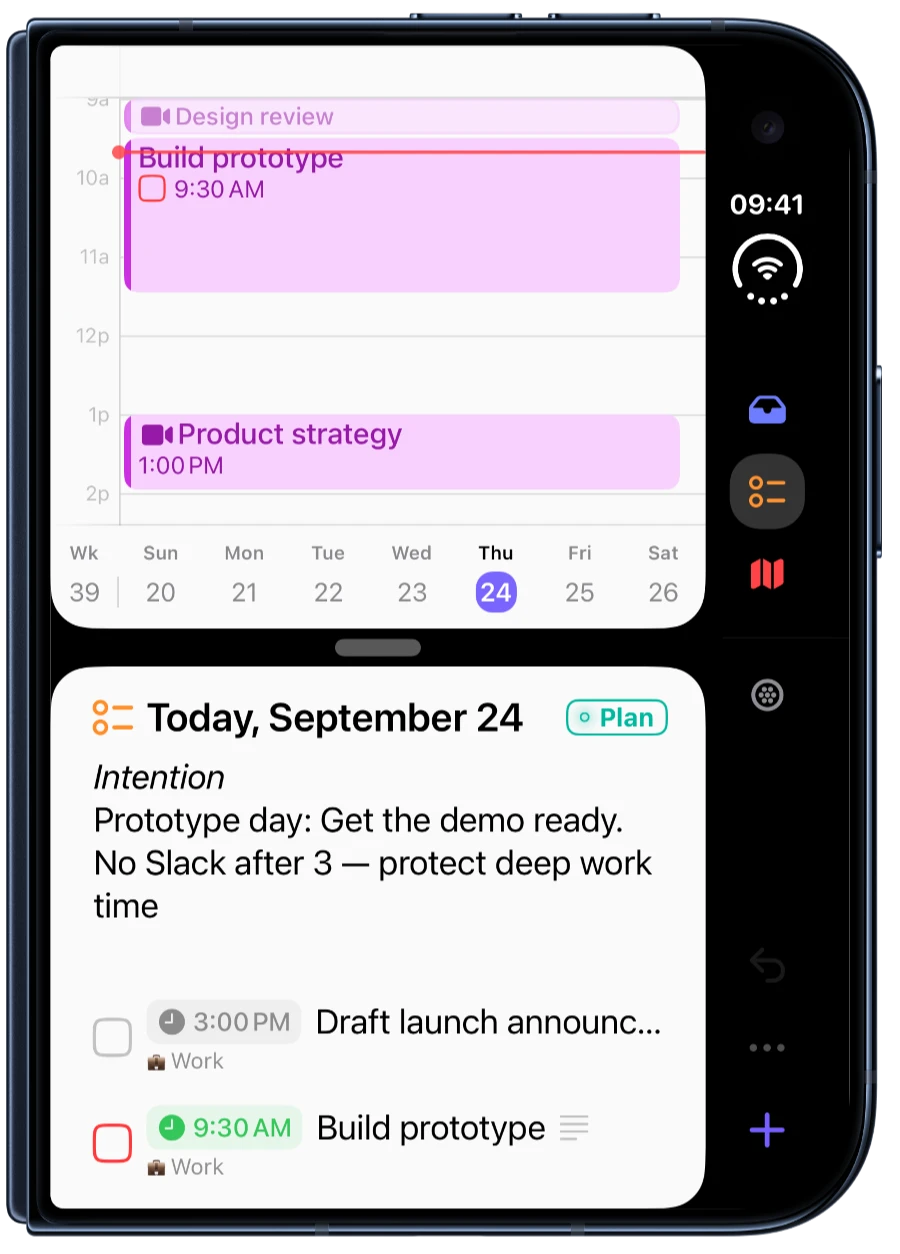
New Fully optimised for iPhone Duo
Set long-term goals and break them down into daily plans.
Sonto helps you follow through.
Free for three weeks. One purchase. No subscription.
“A very useful tool for many”
Start with your goals for the year. Sonto guides you through choosing quarterly goals and deciding what to work on this week.
Explore the Sonto MethodPut those tasks on your calendar. See what fits around your meetings and the rest of your day.
At the end of the week, look back at what got done and what got in the way. Use that to plan the next week. Sonto reminds you when it’s time.
Plan and reflect with your AI, using your Sonto plans and the notes you’ve shared with your assistant.
MCP and CLI for your own workflows.
Look at my priorities for this week and help me make a realistic plan. Tell me what I should leave out.
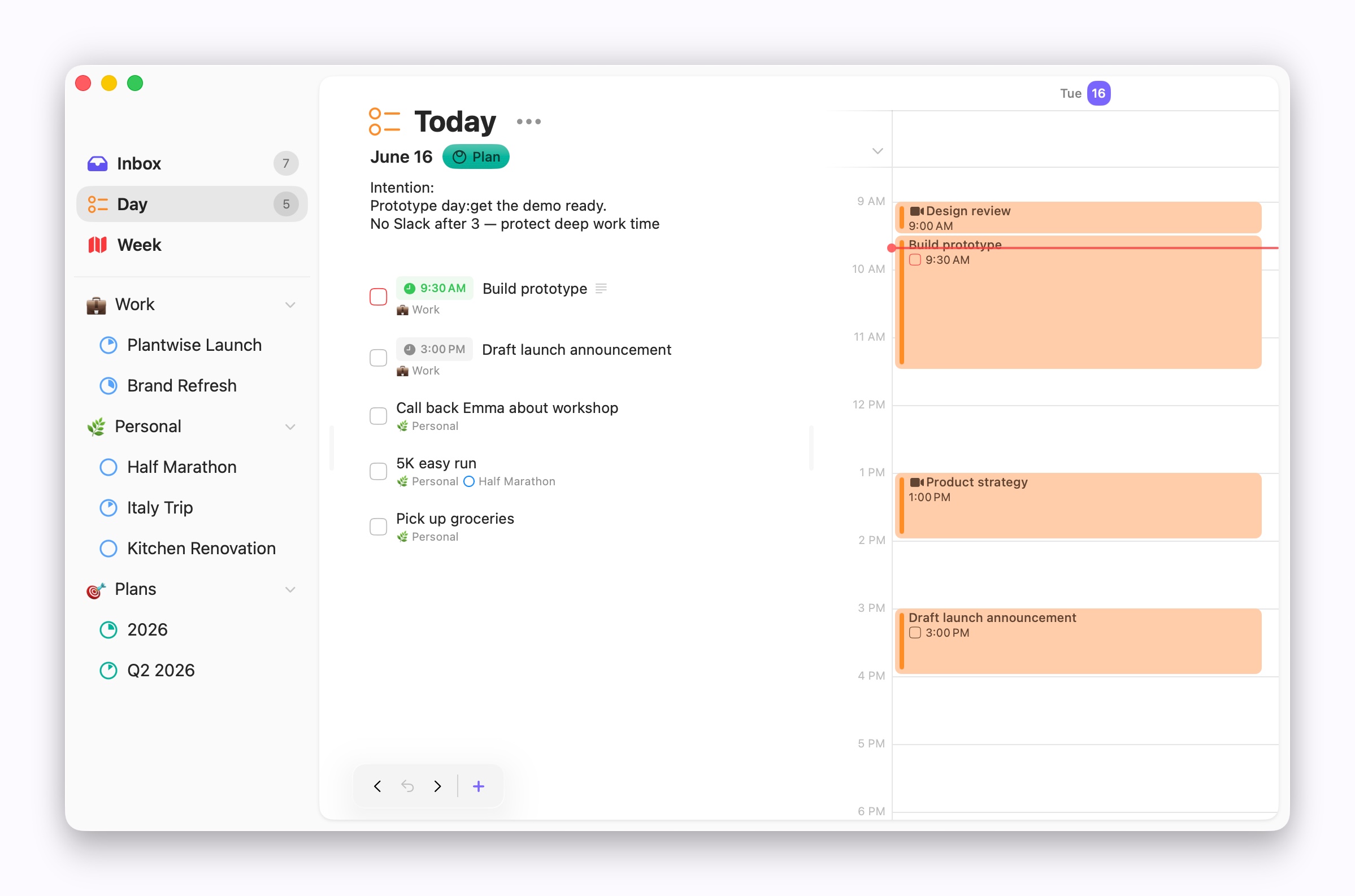
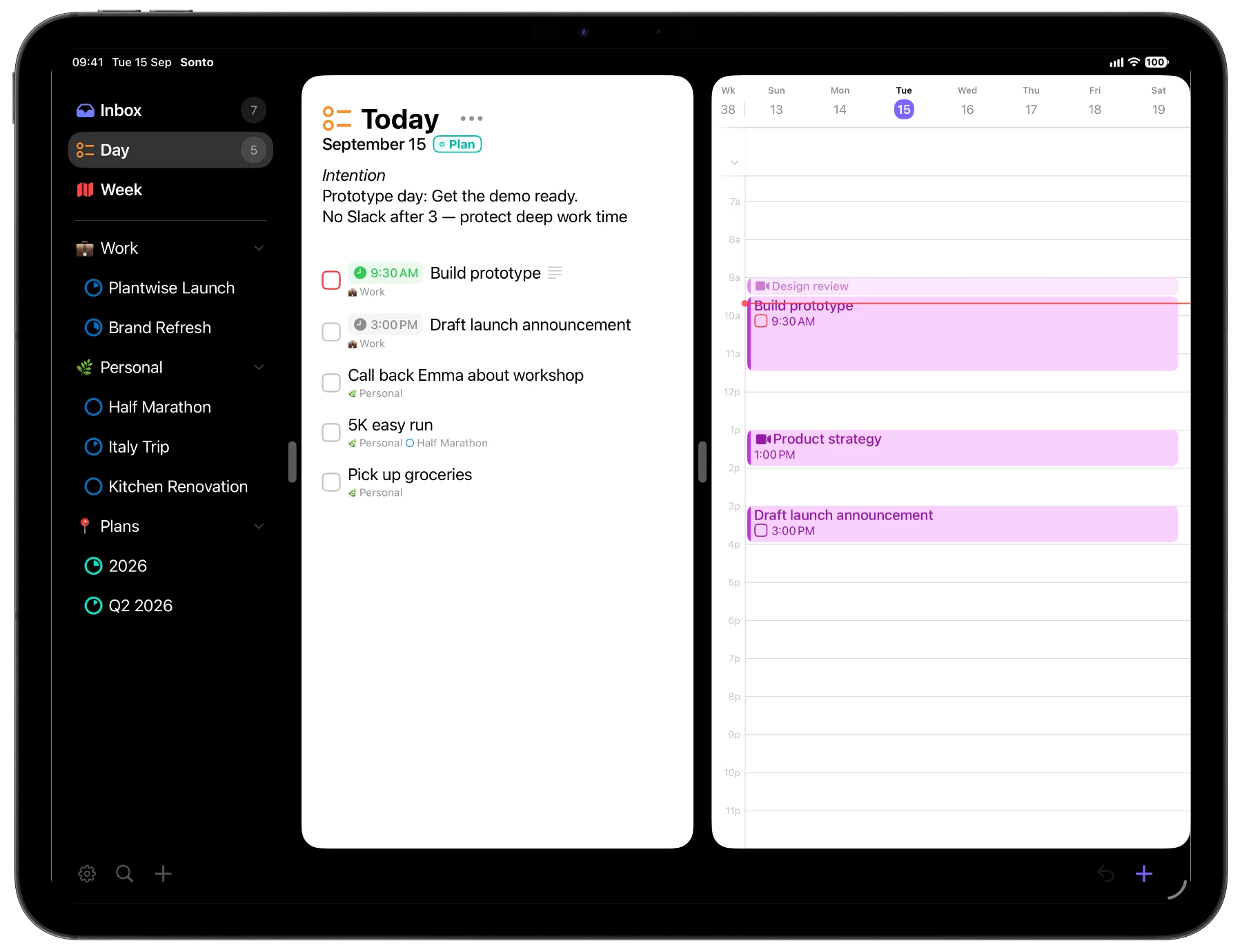
The same planning tools on Mac, iPhone and iPad.
Fast, private sync through iCloud. No extra account.
I can’t read your plans. I don’t even know your email address.
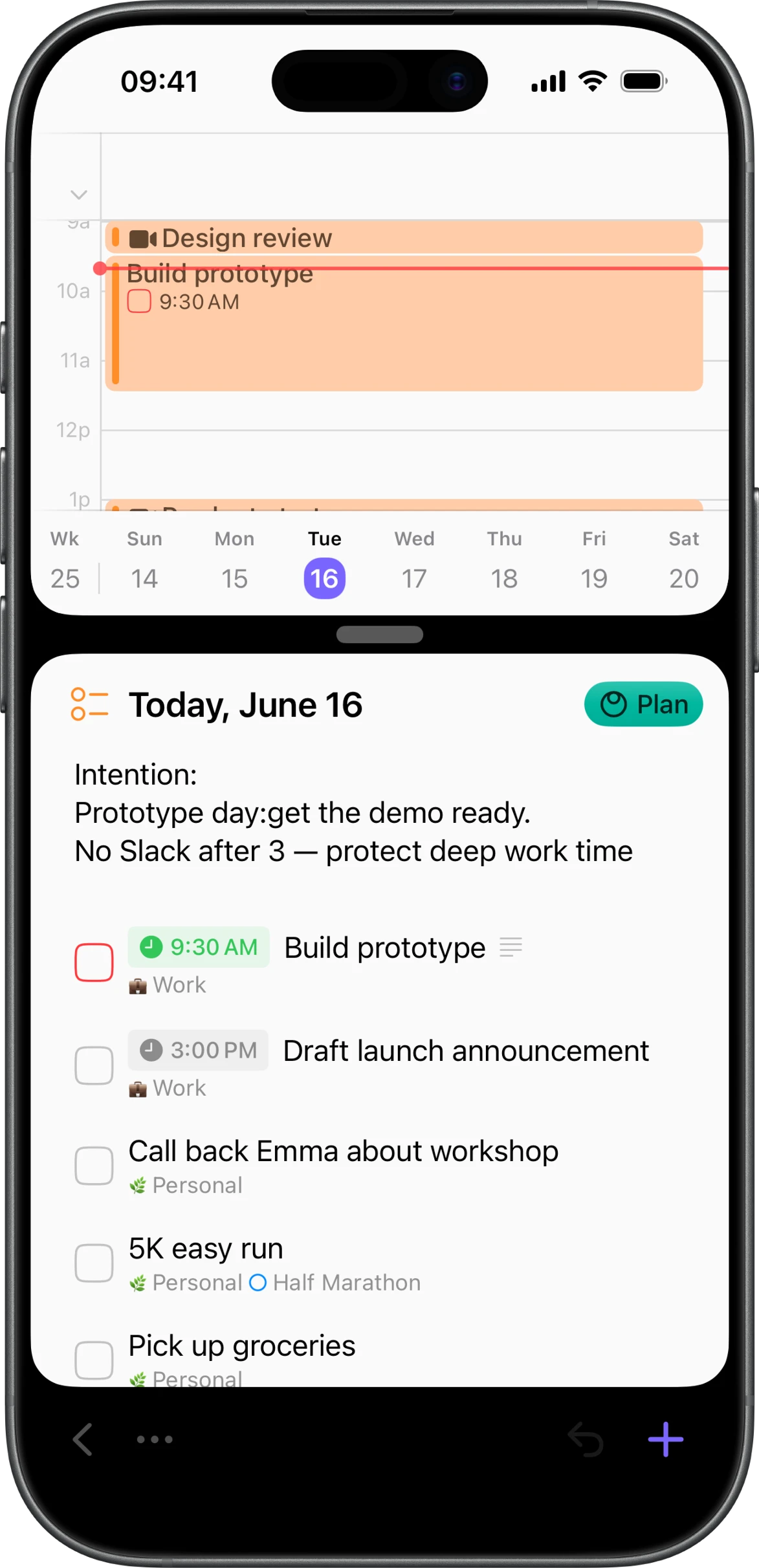
Projects, areas, tags, repeating tasks and file attachments. Import from Things, Todoist or Apple Reminders. Automatic backups.
Type tasks in natural language, with dates and durations. Control everything from your keyboard, without reaching for your mouse.
Polished native apps for your Apple devices. Local-first, with offline support. Your calendars, widgets, Siri and Shortcuts.
Built-in notes on every day, week and project. Add private notes to any event.
Safely stored in iCloud. No tracking, no analytics, no ads. I can't read your data.
Plan with ChatGPT or Claude. Connect your own tools with MCP and CLI.
Sonto is available in nine languages
English · Nederlands · Deutsch · Français · Español · Português · 日本語 · 한국어 · 简体中文
I’m Bastiaan. I was CTO at WeTransfer for eight years, and I’ve spent the last decade coaching people. Sonto brings together what I’ve learned about being effective at work and in life.
I hope you find it useful too.
Bastiaan Terhorst
 Let me show you around.The complete walkthrough · 16 minutes
“This app is structured to help us plan and prioritise what matters…”
“…the planning system that isn’t complicated and doesn’t get in the way.”
“It’s simple, powerful, and genuinely enjoyable to use every day.”
Try free for three weeks, then a single purchase for all your devices.
€34.99 or $29.99, once

Prices vary by region.
“I really like the guided daily and weekly review…”
“Like the simplicity and daily notes feature especially.”
“It’s everything I’ve been looking for for my tasks and goals.”
Sonto helps you work out what to put on your list. Its guided sessions connect your yearly goals to your weekly and daily plans, and its planning reminders help you keep up the habit.
Allow about an hour for your yearly plan. We suggest 30 minutes each quarter, 10 minutes each week and 3 minutes each morning after that. These are starting points; take the time you need.
Yes. Import tasks from Apple Reminders, Todoist or Things. Sonto works with calendars already connected to your Mac, iPhone or iPad.
No. You get a free three-week trial of the whole app. After that, a single purchase covers Mac, iPhone and iPad, with Apple Watch included with the iOS app. Your local price is shown in the App Store.